Features
What Morse Keyboard does
Morse Keyboard is a keyboard you add to iPhone or iPad, and an app that teaches you to use it. Here is everything it does, and what is free.
Free, with no limits
The keyboard
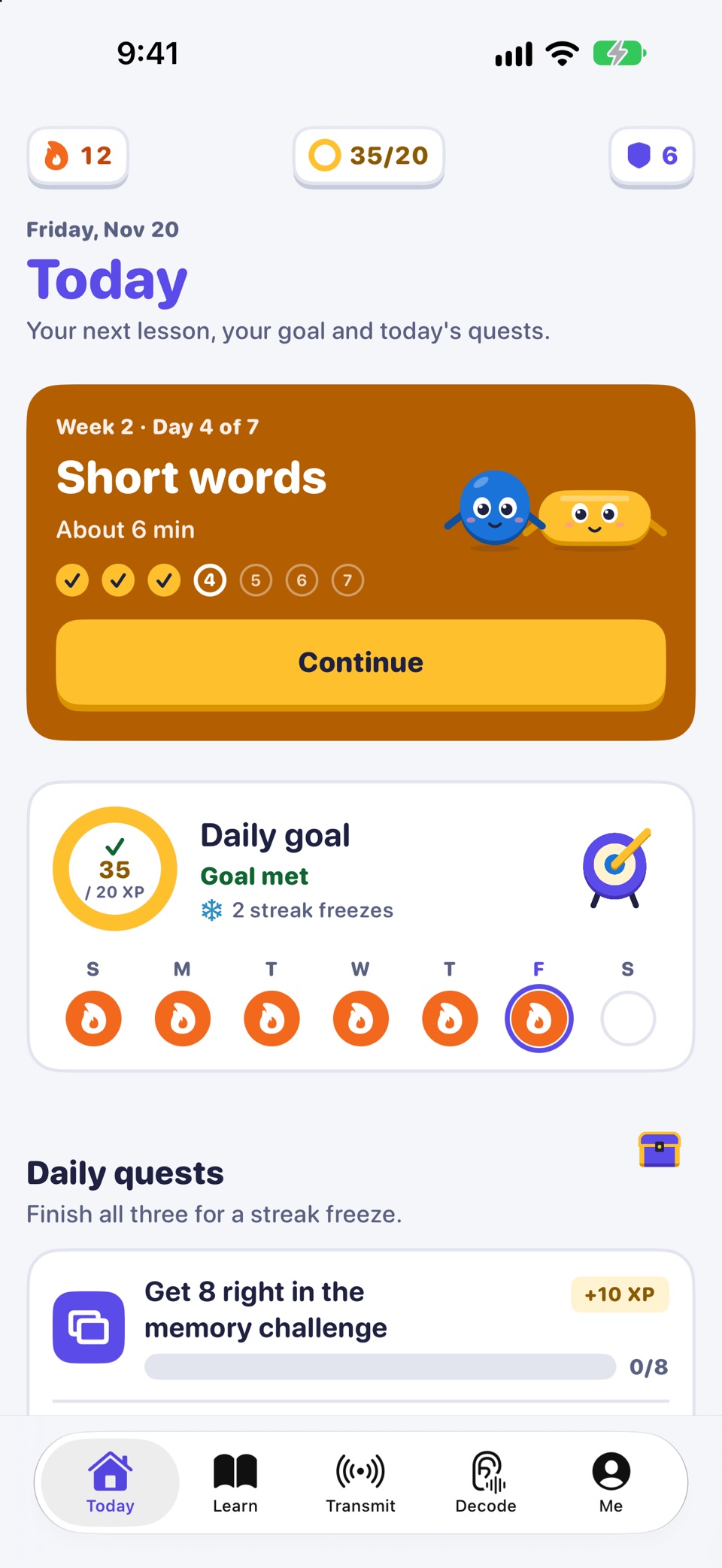
A Morse code keyboard for Messages, Notes, Mail and your other apps.
- Tree. Letters sit on the Morse code tree. Dot climbs left, Dash climbs right, with E and T either side of the space bar.
- QWERTY. The standard keys, each showing its code, plus Dot and Dash paddles.
- Blindsight. Hides the tree when you are ready to key from memory.
- See your marks. The Dots and Dashes of every word show as you type.
- No Full Access needed. The keyboard types without it. Turn it on only if you want sound, haptics, themes and word suggestions in the keyboard.
- Decoded text, one tap away. With Full Access on, text you decode in the app can be inserted with the keyboard's paste key. The keyboard never reads your clipboard.
iOS uses its own keyboard in password and phone-number fields. That is an iOS rule for every third-party keyboard.
The whole keyboard is free, with no limits.
Day 1 is free
The course
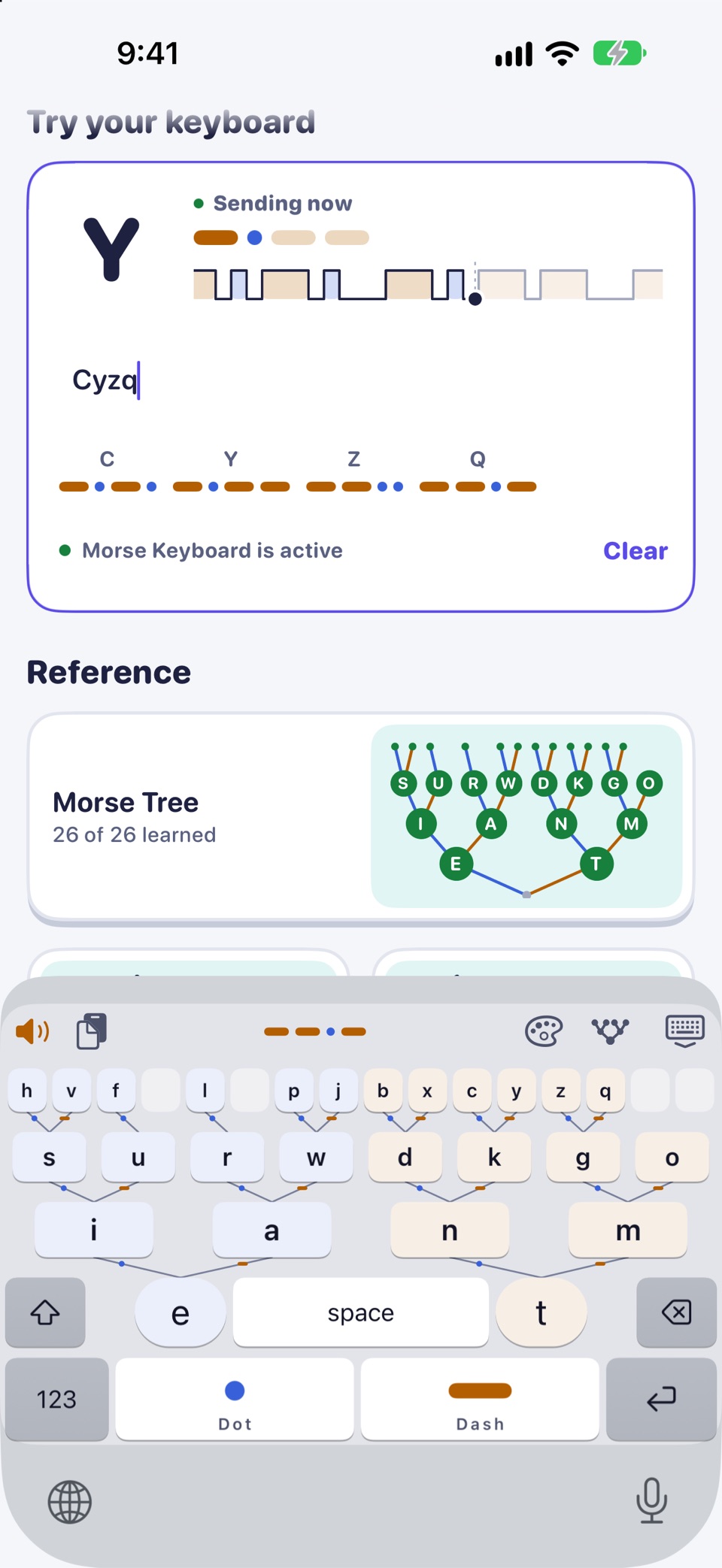
A weekend to start, then four weeks of short daily sessions.
- Day 1 (free): Dot and Dash, 14 letters, first words and SOS, and adding the keyboard. About 35 minutes.
- Day 2: four short challenges on your first 14 letters.
- Week 1: the codes of all 26 letters.
- Week 2: common words and your own.
- Week 3: numbers, punctuation and phrases.
- Week 4: Morse by ear, timed typing and a real message.
After Day 1, sessions take 4 to 10 minutes a day. Nothing is locked by the calendar.
Built from the letters you know
Practice
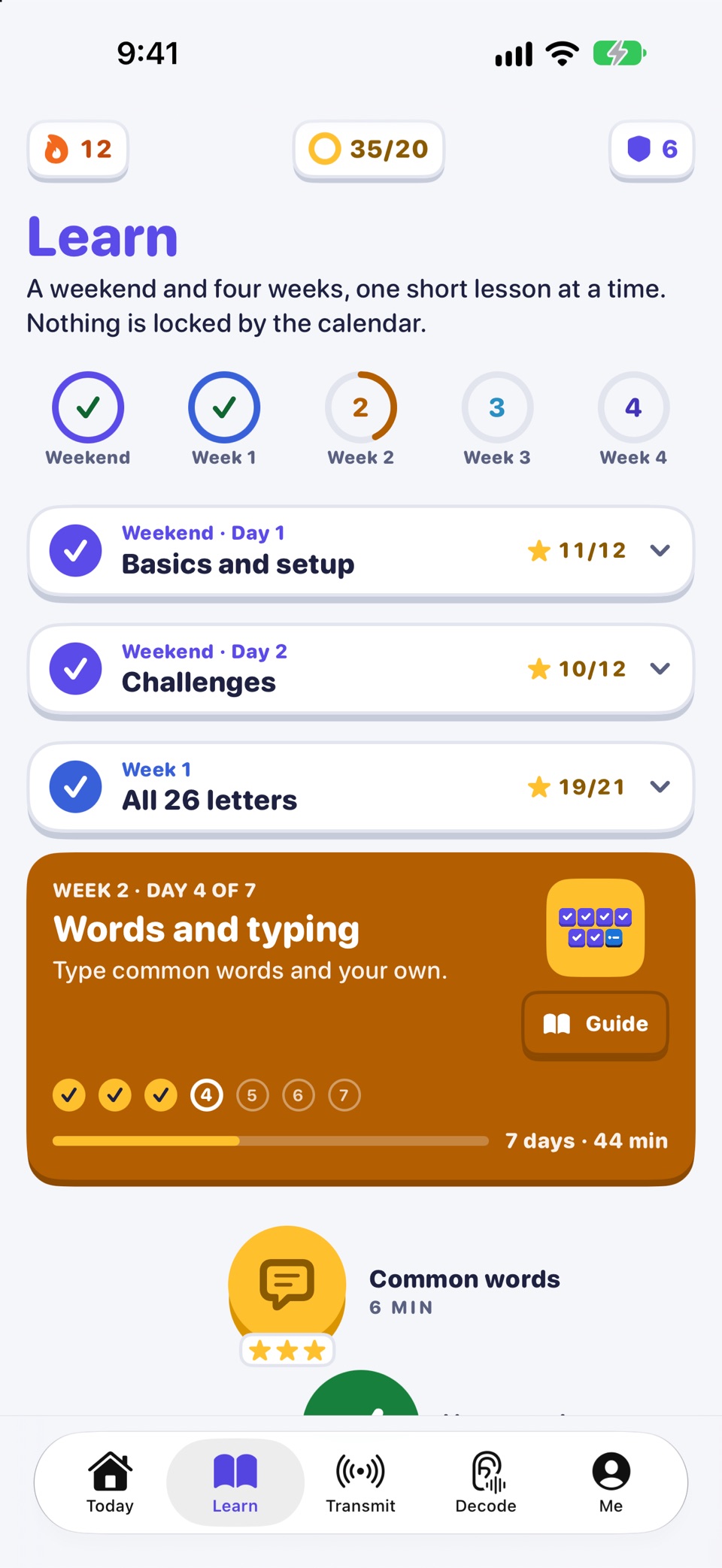
- Daily mix drills your weakest letters first.
- Typing sprint times five rounds and shows your words per minute.
- Memory challenge asks you to read Morse from beeps, screen flashes or eye blinks.
Practice is free with the letters you have learned so far. The first stage of the memory challenge is free; every stage comes with Pro.
Daily goal
Goals, streaks and badges
- A daily goal you pick: Easy, Steady or Keen.
- Streaks, with streak freezes you earn. They are never sold.
- Three daily quests.
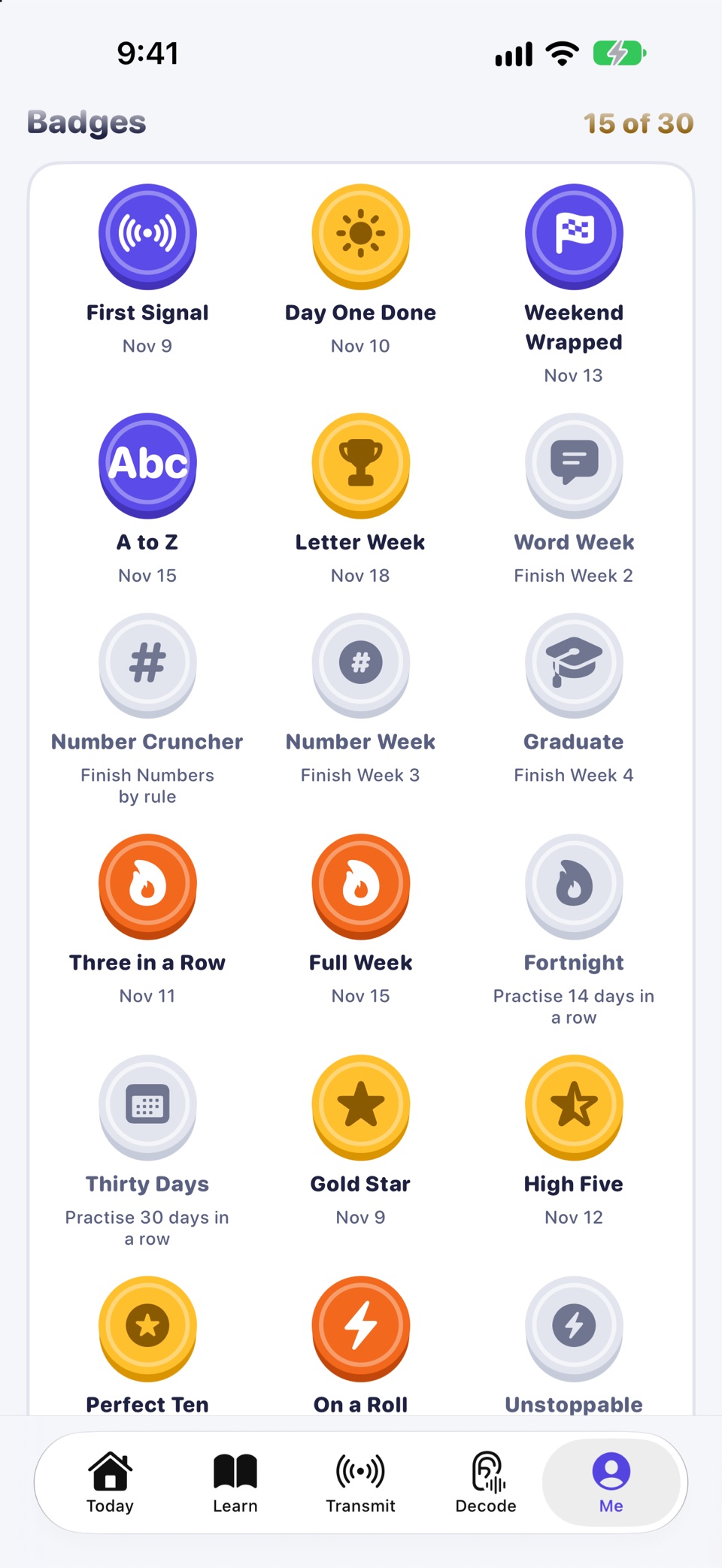
- Badges to collect and levels to climb.
- An optional reminder, at most once a day.
All of it is kept on your device. There are no accounts and no leaderboards.
Decode
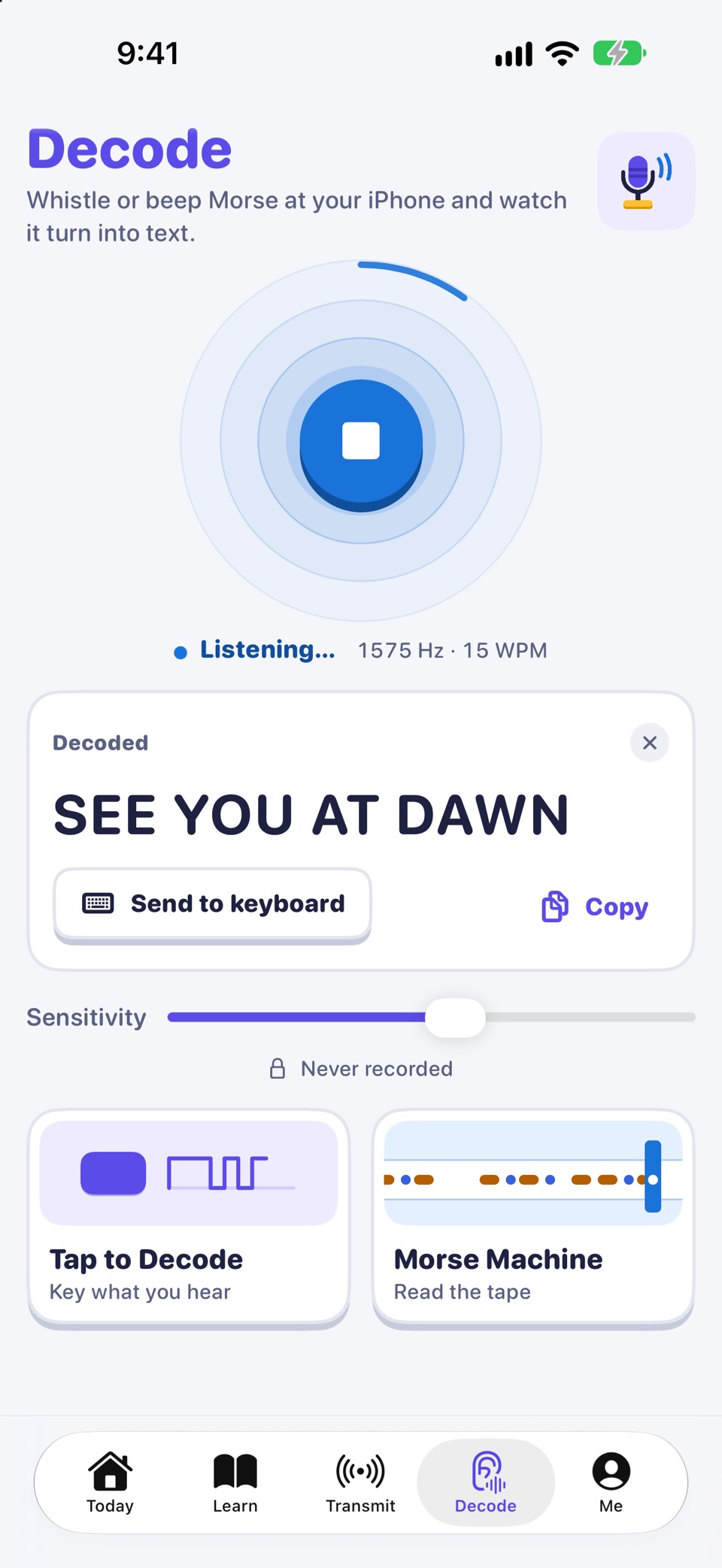
Whistle or beep Morse at your phone and watch it decode into text, right on your device.
- The microphone runs only after you tap to start. Audio is never recorded, stored or sent.
- Tap to Decode: tap out Morse you hear on a big key and read the letters as they appear.
- Morse Machine: a paper tape prints every Dot and Dash it hears, with the letters underneath. It can also play a sample for you to decode, with no microphone needed.
Decode is free. If you would rather not allow the microphone, Tap to Decode still works.
Free

Transmit
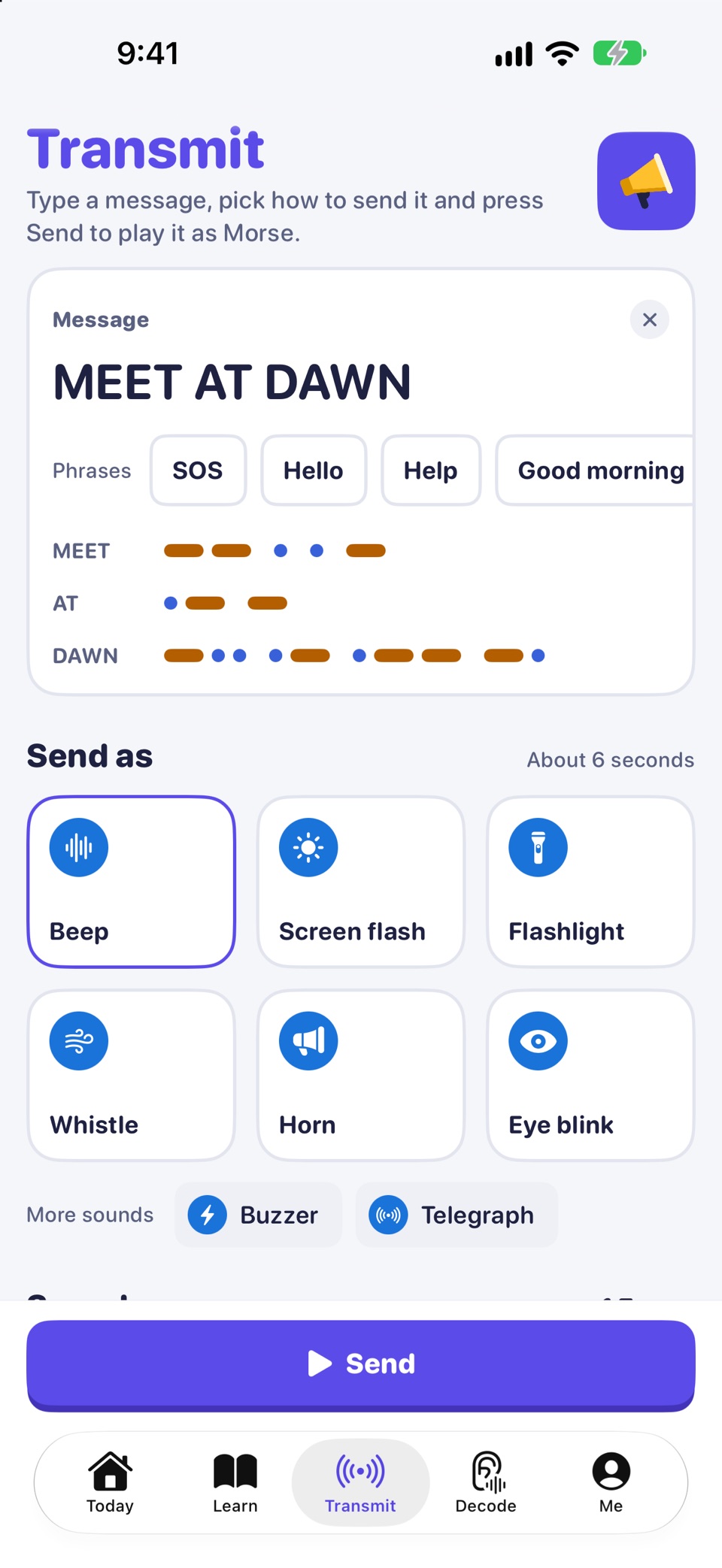
Type any text and send it as Morse.
- Free: beeps and a screen flash.
- Pro: a whistle, train horn, buzzer, telegraph, eye blink or, on iPhone, the flashlight. iPad has no flashlight.
Safety. In an emergency, call your local emergency number (for example 112 or 911). A phone light or speaker sending Morse is not a substitute for calling for help.
Also in the app
Hear it, feel it, look it up
Pro
Sound and Haptics
With Pro, hear every Dot and Dash you key, and feel it on iPhone.
- Five tones: beep, whistle, train horn, buzzer and telegraph sounder.
- Set the speed in words per minute (WPM) and the pitch.
In the keyboard, sound and haptics need Full Access.
Sold separately
Keyboard themes
Ten keyboard themes, from Brass Telegraph to Green Terminal, with Aurora, Starfield, Neon Arcade, Field Notebook, Deep Sonar, Sunset Radio, Ham Shack and Signal Flags in between. You can try a theme free for 10 minutes.
Themes are sold separately: one at a time, all ten together, or with Pro in one purchase. The Classic look is free, in Auto, Light or Dark.
Free
Charts
Charts for the tree, letters, numbers, symbols and timing, free in the app. The same reference is on this site: the Morse code alphabet chart.
iPhone and iPad
Morse Keyboard runs on iPhone and iPad with iOS 17 or later. Every screen is laid out for iPad as well as iPhone.
Morse Keyboard: a keyboard laid out as the Morse code tree, with a course of a weekend and four weeks. Day 1 is free. For iPhone and iPad.
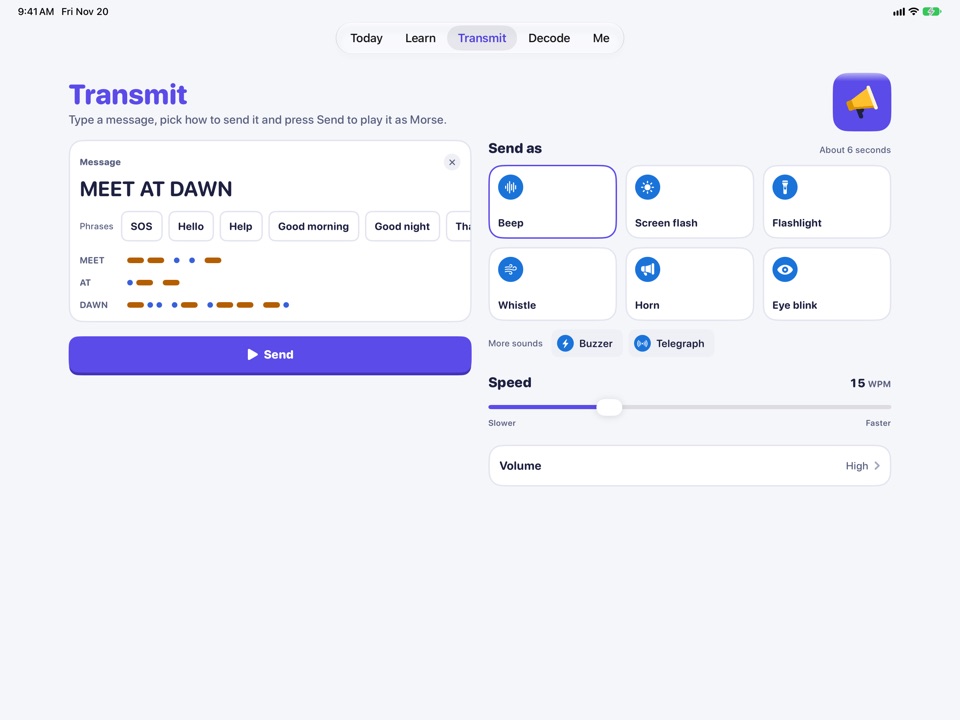
Decode and Transmit are free
So is daily practice with the letters you know. Pro adds more ways to send, every memory stage, and Sound and Haptics, as one purchase with no subscription.