Free Morse code tool
Morse code translator
Type text to get Morse code, or type Morse code to get text. Then play it, flash it, copy it or share it. Everything runs in your browser; nothing you type is sent anywhere.
Quick phrases: SOS, Hello, Help, Good morning, Good night, Thank you, I love you, CQ, 73.
Safety. In an emergency, call your local emergency number (for example 112 or 911). A phone light or speaker sending Morse is not a substitute for calling for help.
The light. Flash blinks this circle in rhythm. It never flashes the whole screen.
Flashing light. Flash turns the circle on and off quickly. If flashing light can affect you, do not use it.
Quick phrases
How to use it
How to use it

- Type in either box. Text turns into Morse as you type, and Morse turns back into text.
- Play or flash it. Press Play to hear it, or Flash to see it as light. Set the speed, spacing and pitch to suit you.
- Copy or share it. Copy the Morse, or share a link that opens this page with your text filled in.
Reading the output
How Morse is written
Morse code has two marks: a short Dot, written ., and a long Dash, written -.
- Letters are separated by one space: HI is
.... ... - Words are separated by a slash with spaces around it: HI THERE is
.... .. / - .... . .-. .. - You can paste Morse that uses
·,•,–,—or_too. The translator reads them as Dots and Dashes. Three or more spaces, or a|, also count as a word break. - Anything the translator does not know shows as
#, with a note listing those characters.
It understands the 26 letters A to Z, the digits 0 to 9, and these signs:
. , ? ' ! / ( ) & : ; = + - _ " $ @. The exclamation mark (-.-.--), ampersand, semicolon,
underscore and dollar sign are widely used but are not part of the ITU standard.
.... .. / - .... . .-. .Timing
Morse code timing
Morse is a rhythm. Everything is measured in units, and the length of a unit sets the speed.
| Part | Length |
|---|---|
| Dot | 1 unit |
| Dash | 3 units |
| Gap between marks inside a letter | 1 unit |
| Gap between letters | 3 units |
| Gap between words | 7 units |
At 20 words per minute, one unit is 60 milliseconds. Farnsworth spacing keeps the letters fast and stretches the gaps between them, which is easier to follow while you are learning. Speed and Farnsworth timing
Common translations
Common translations
| Text | Morse |
|---|---|
| SOS (as one signal) | ...---... |
| Hello | .... . .-.. .-.. --- |
| Thank you | - .... .- -. -.- / -.-- --- ..- |
| I love you | .. / .-.. --- ...- . / -.-- --- ..- |
| CQ | -.-. --.- |
| 73 | --... ...-- |
More: SOS · I love you · More examples · Abbreviations and prosigns · The full alphabet
One signal
Notes on prosigns
Some signals are sent as one run of marks with no letter gaps. They are called prosigns and are
written with a line over them or in angle brackets, such as <SK>. The translator sends each
letter separately, so for a prosign, type its marks as one group in the Morse box. SOS is the
most familiar example: ...---..., sent as one signal.
Prosigns and abbreviations
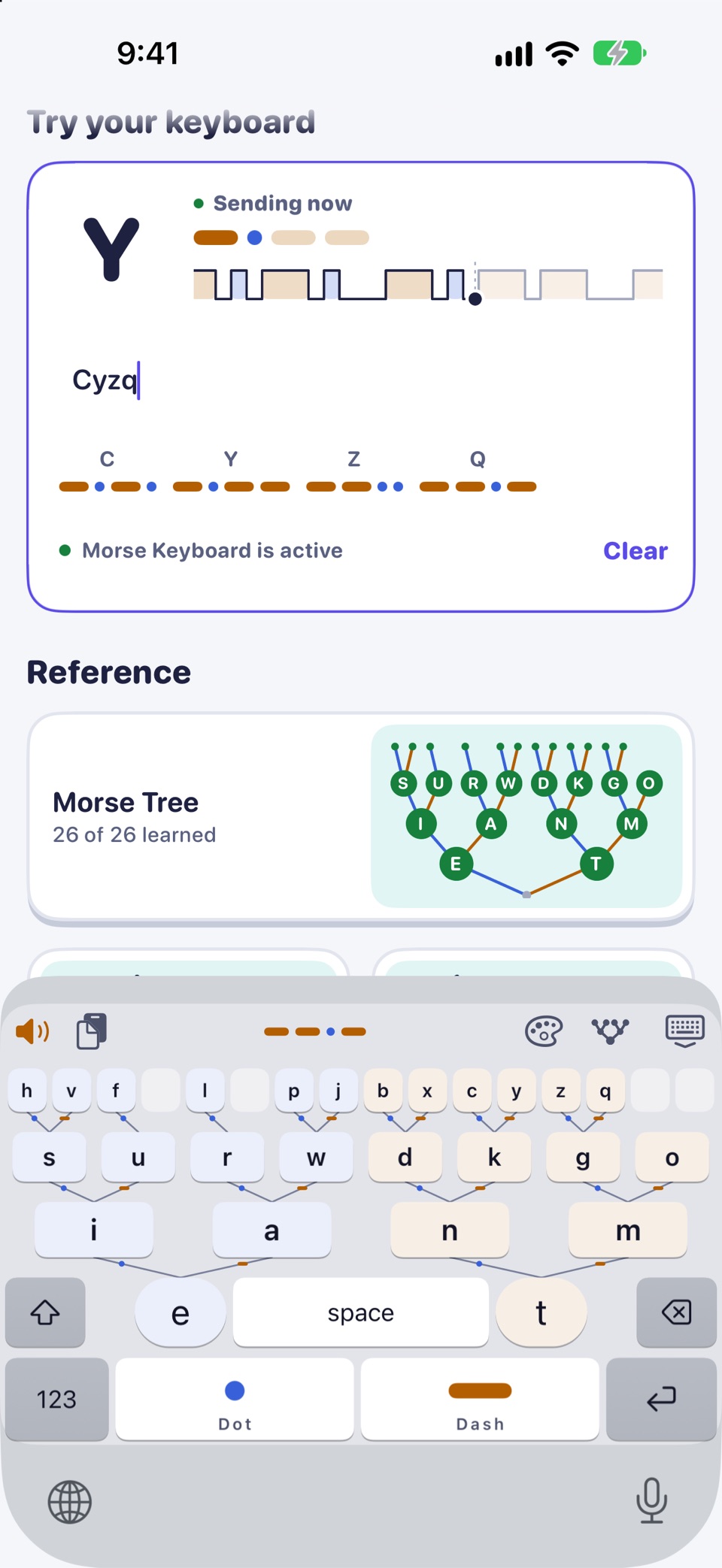
The keyboard, laid out as the tree 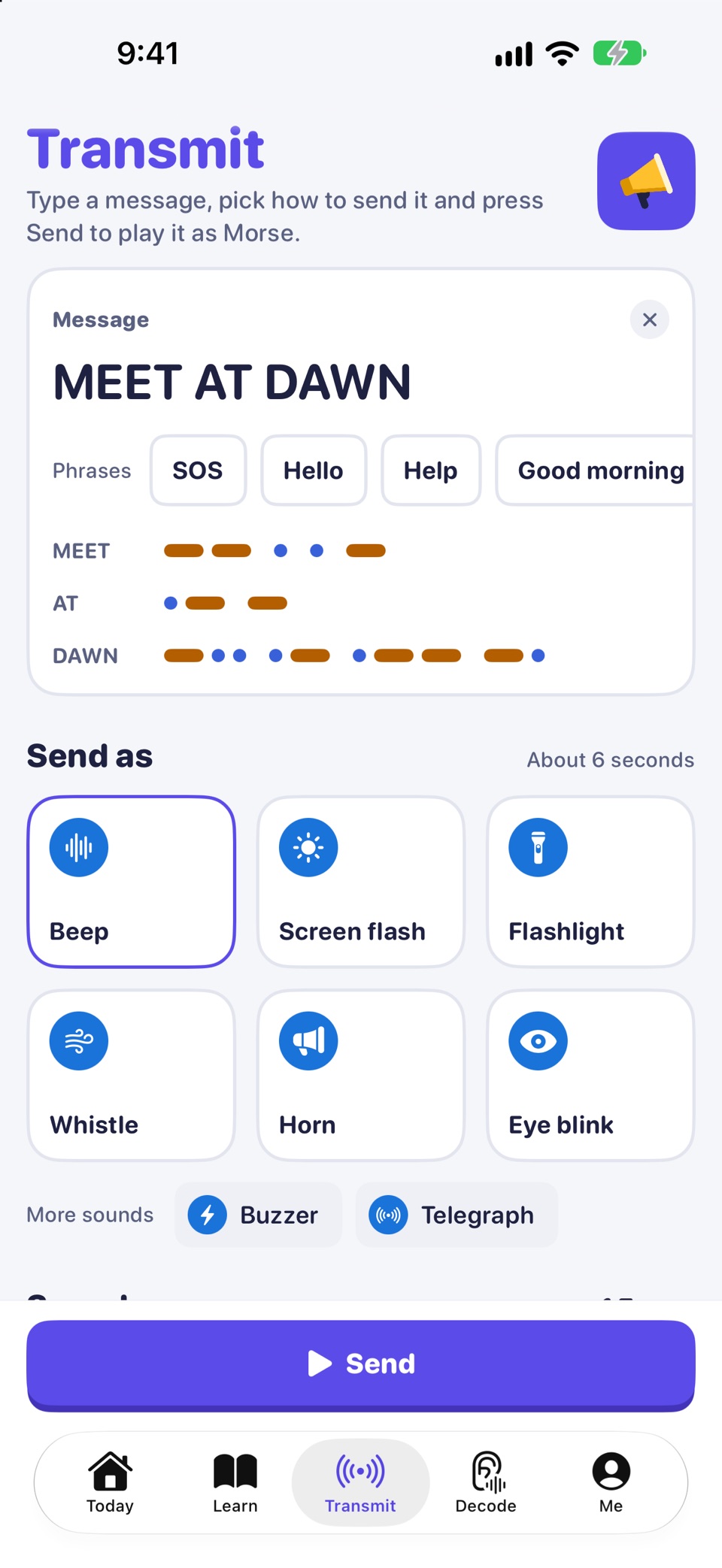
Transmit: send a message as Morse
The app
Want to type it, not paste it?
Morse Keyboard is a keyboard for iPhone and iPad laid out as the Morse code tree. Type your messages in Morse, in any app, and learn the letters as you go. A Morse code keyboard for iPhone

Morse Keyboard: a keyboard laid out as the Morse code tree, with a course of a weekend and four weeks. Day 1 is free. For iPhone and iPad.

Type Morse, not just translate it.
A keyboard laid out as the Morse code tree, with a course of a weekend and four weeks. Day 1 is free.