Short description (25 words)
Morse Keyboard by Yarsa Labs is an iPhone and iPad keyboard laid out as the Morse code tree, with a course. Day 1 is free.
 Morse Keyboard
Coming soon to the App Store
For writers, editors and reviewers
Everything you need to write about Morse Keyboard. You are welcome to use the text and images on this page. For anything else, email support@morsekeyboard.com.
Descriptions
Quote these as they are, or shorten them. Please call the marks Dot and Dash, as the app does.
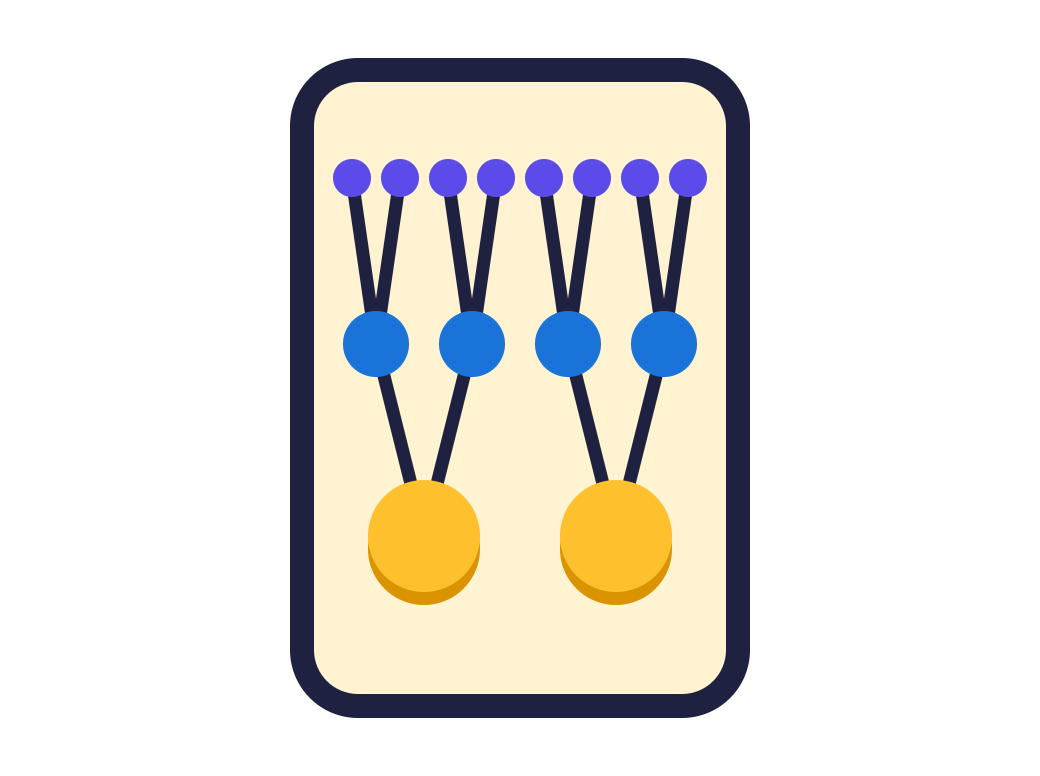
Morse Keyboard by Yarsa Labs is an iPhone and iPad keyboard laid out as the Morse code tree, with a course. Day 1 is free.
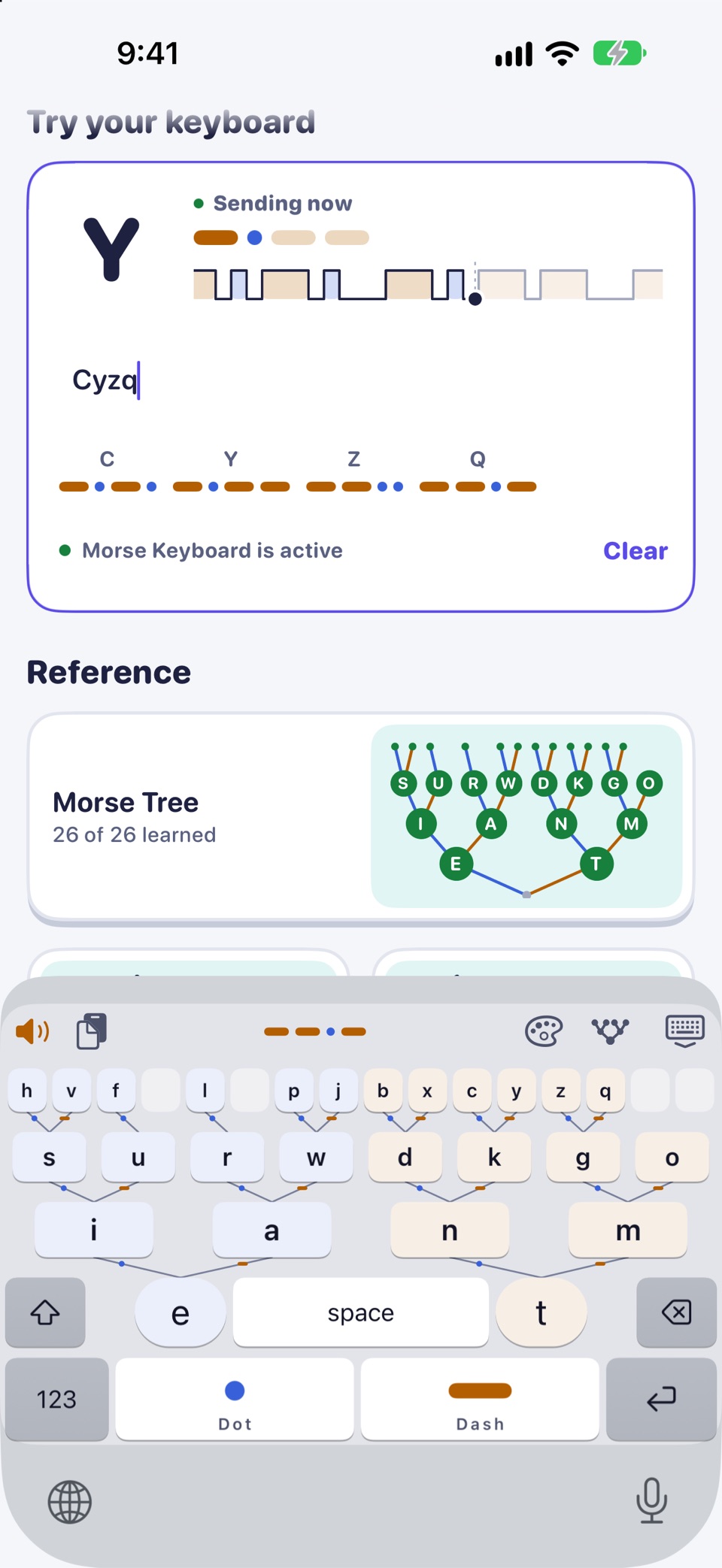
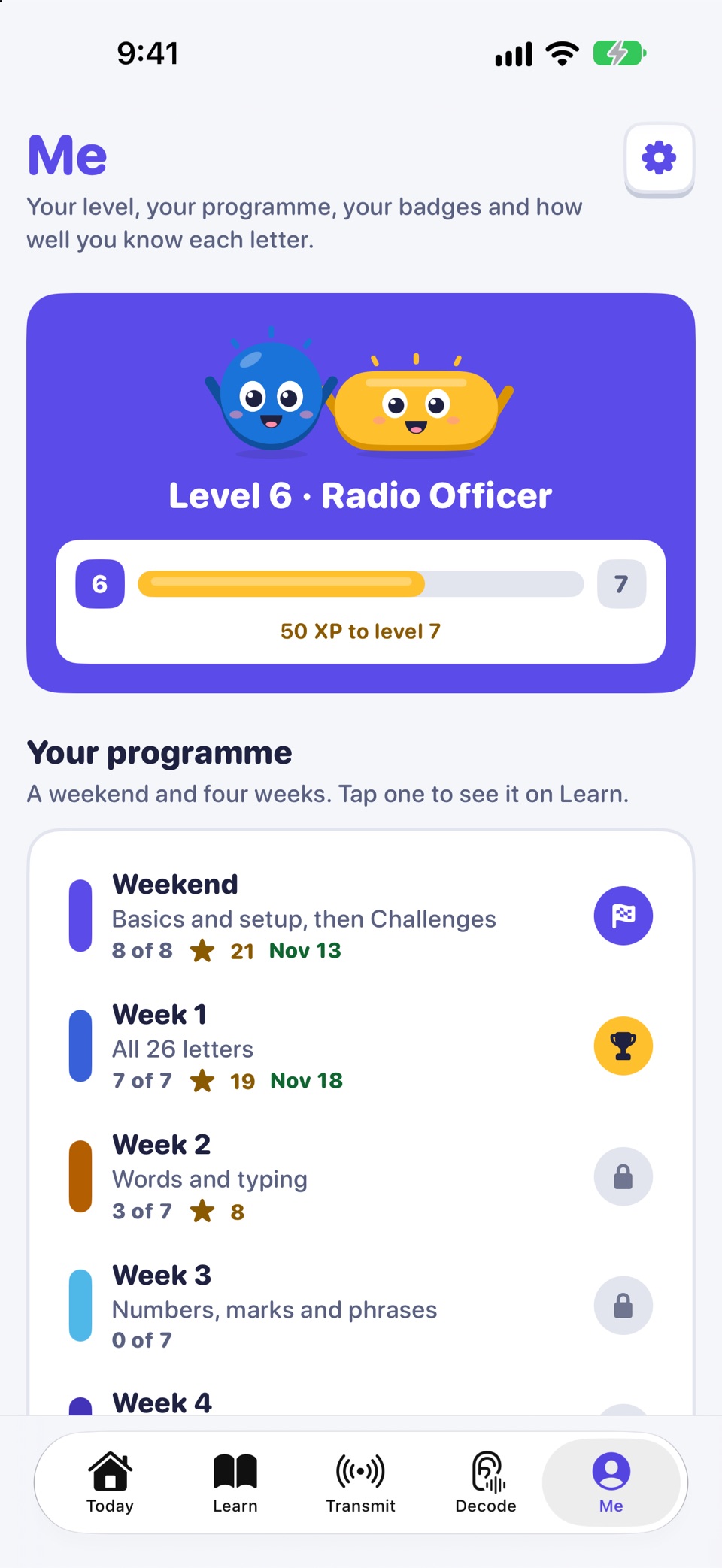
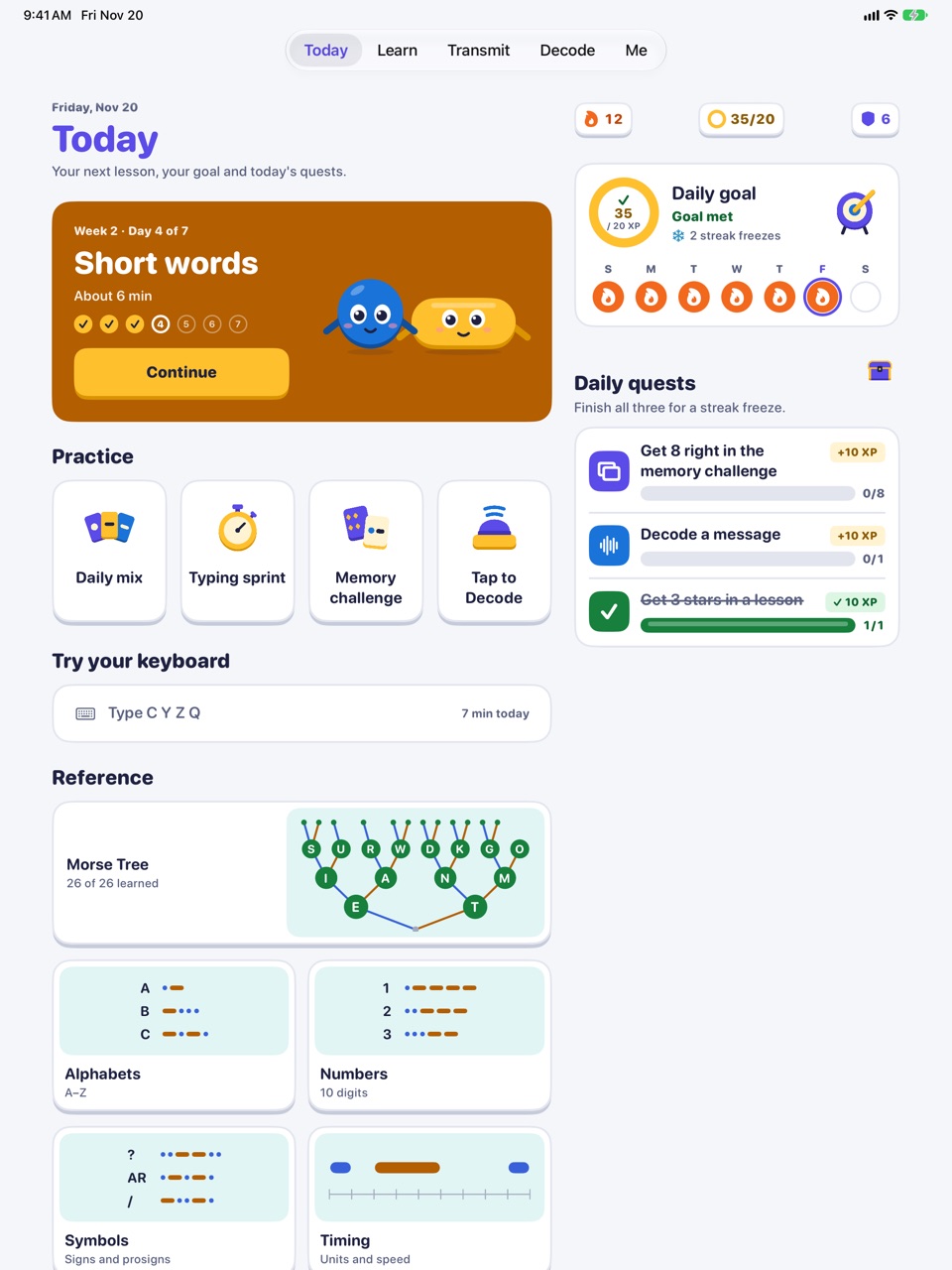
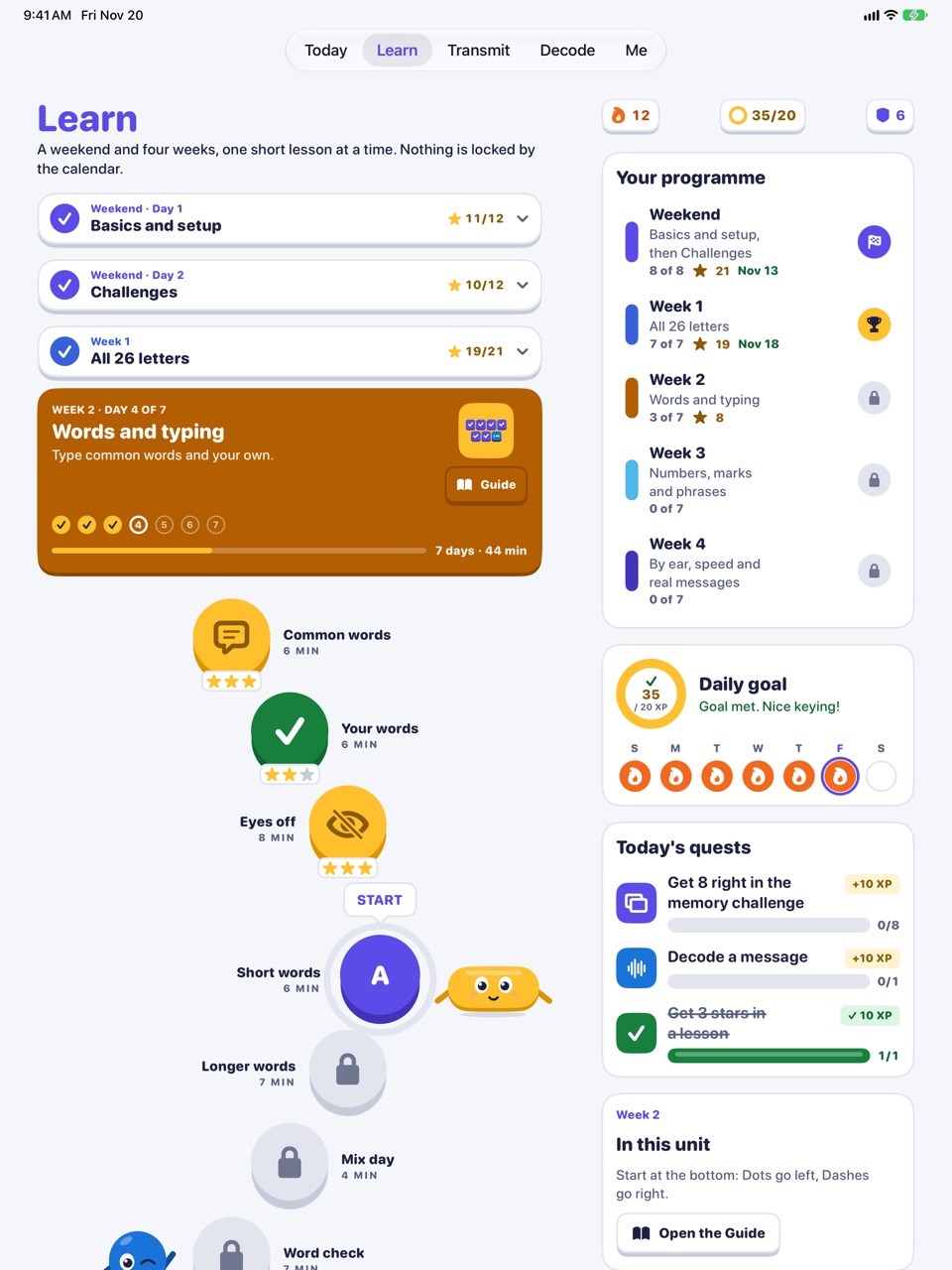
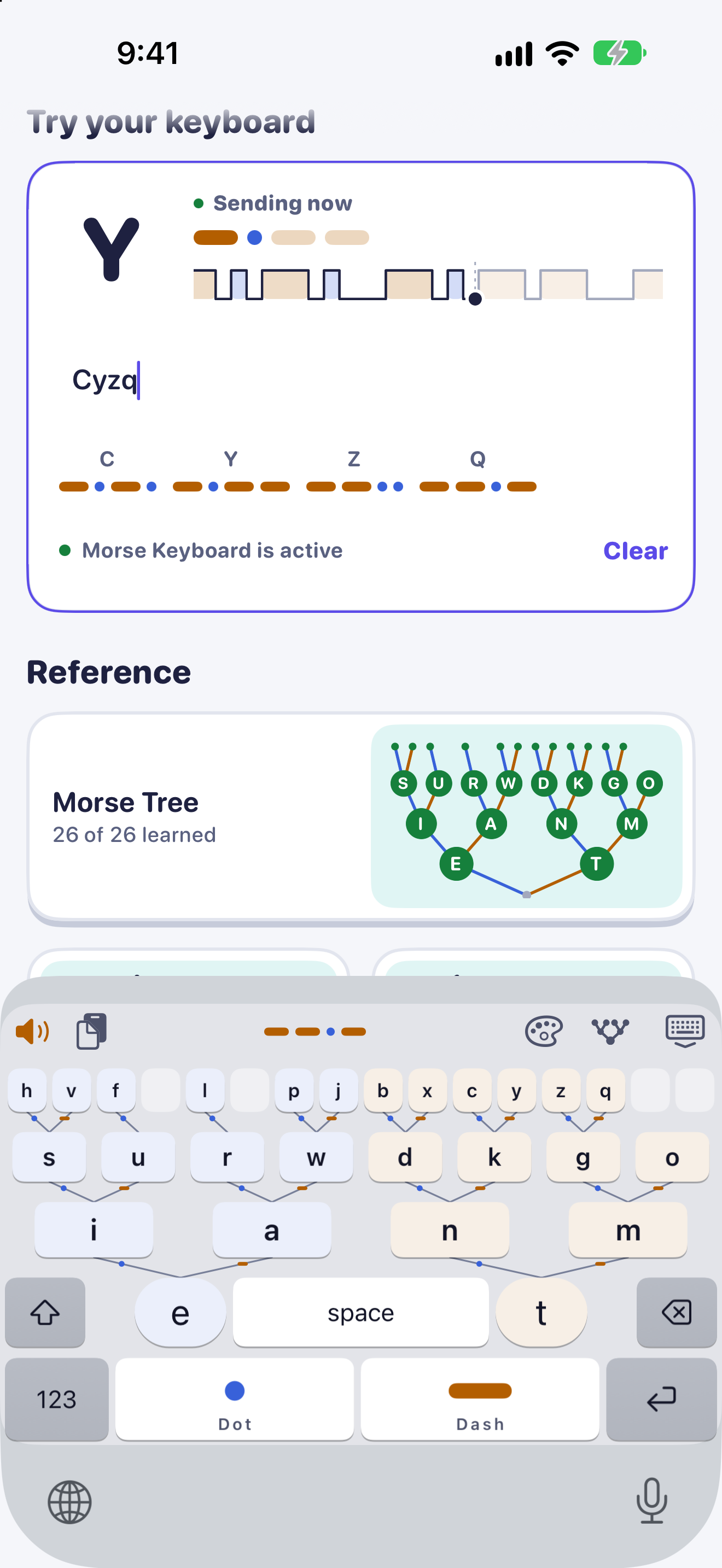
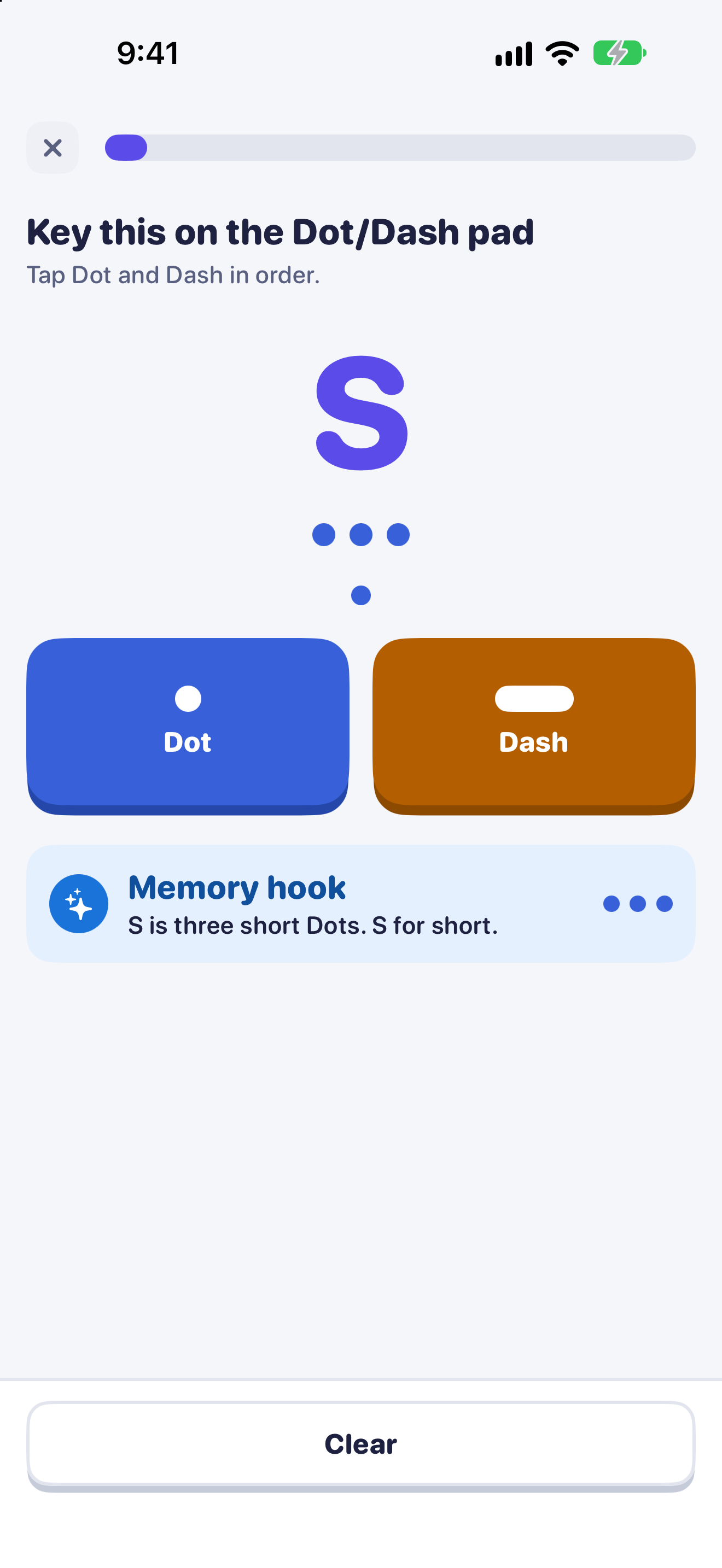
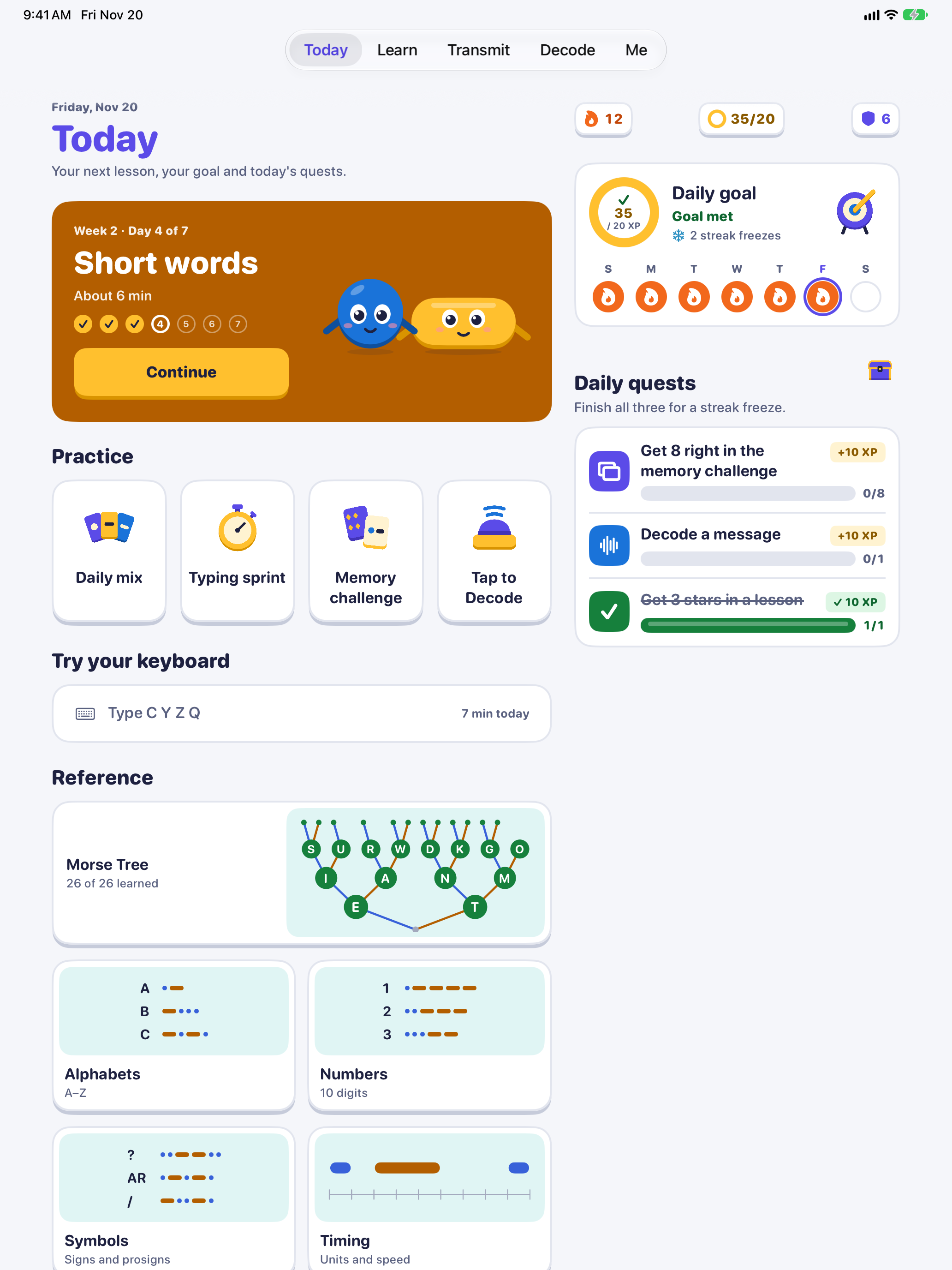
Morse Keyboard is an iPhone and iPad app that teaches Morse code through the keyboard you use. Letters sit on the Morse code tree, so every message you type is practice. A course of a weekend and four weeks is included. Day 1 is free; Pro is a one-time purchase.
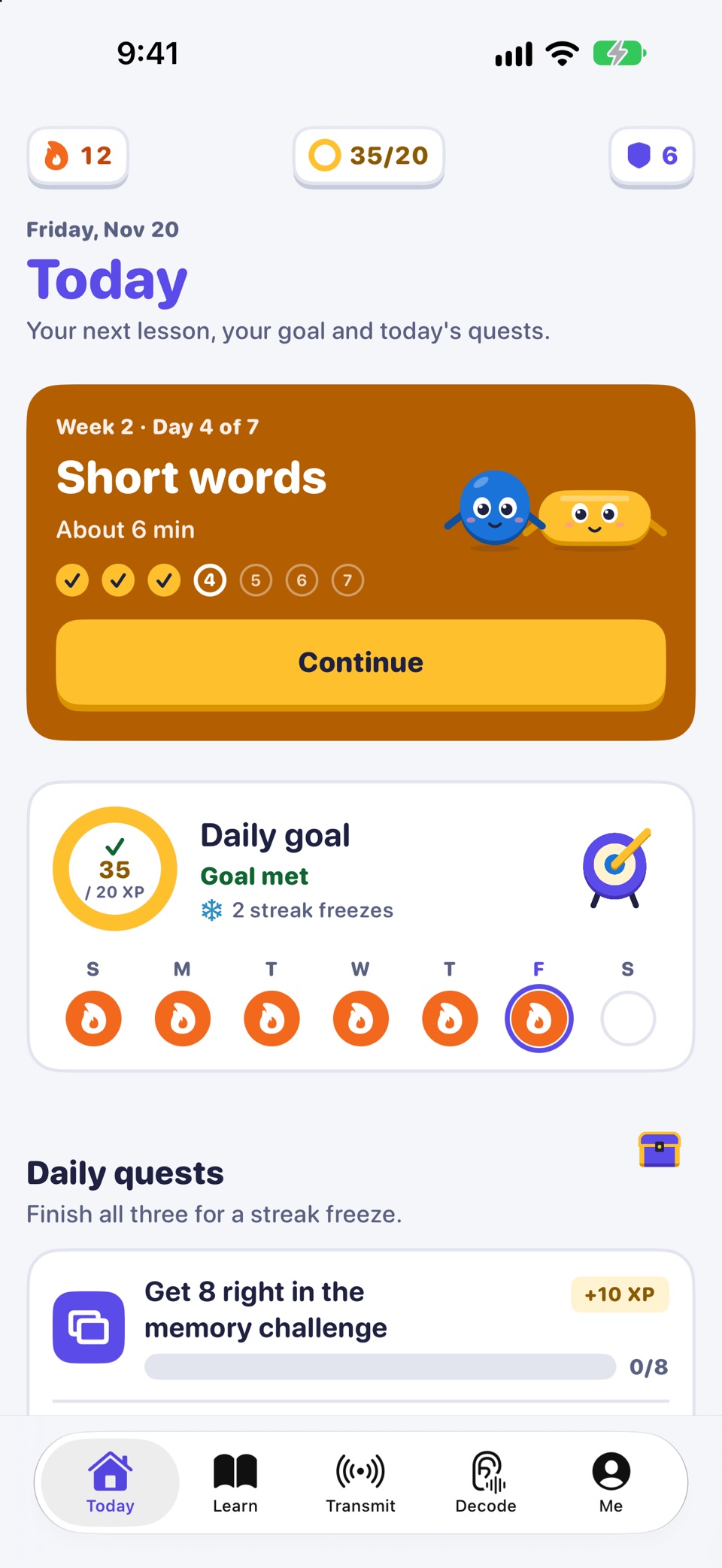
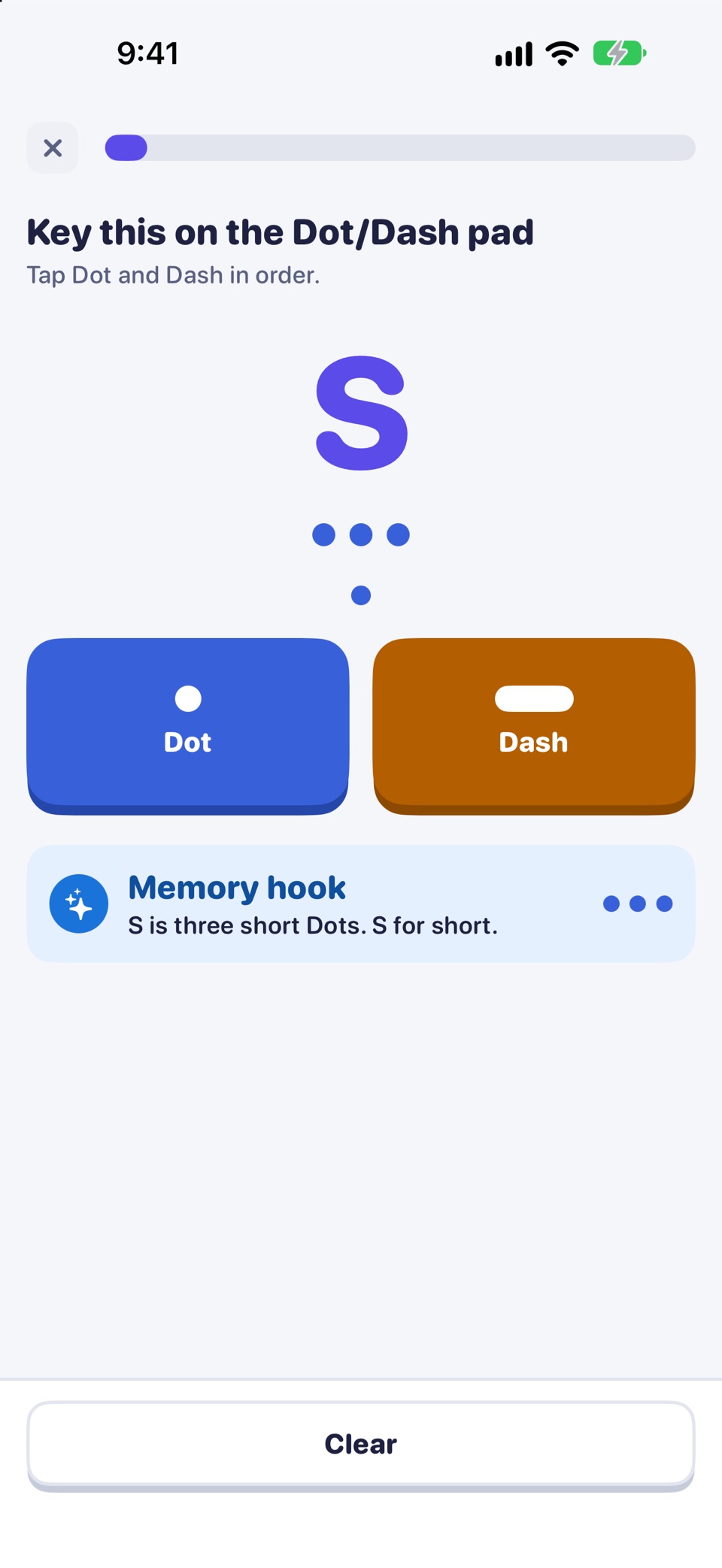
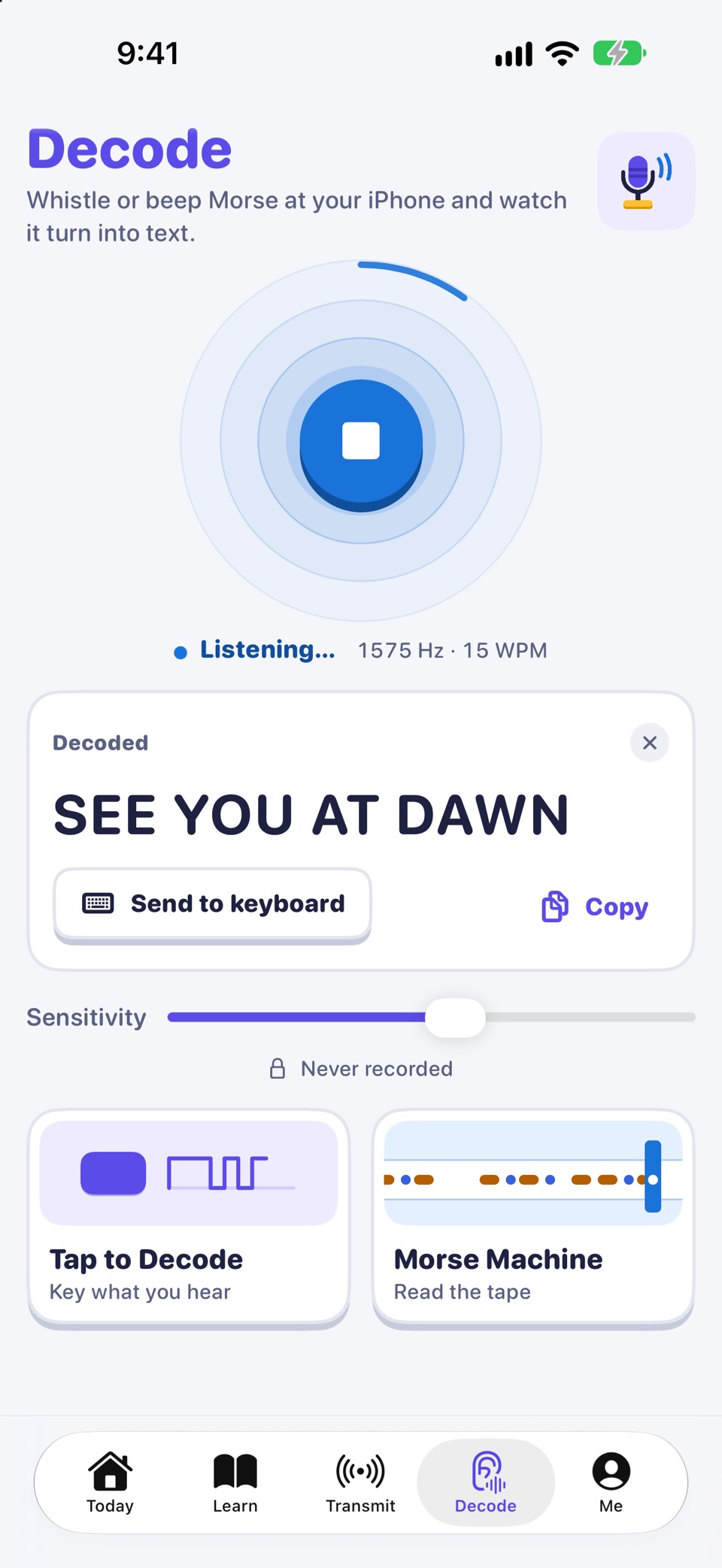
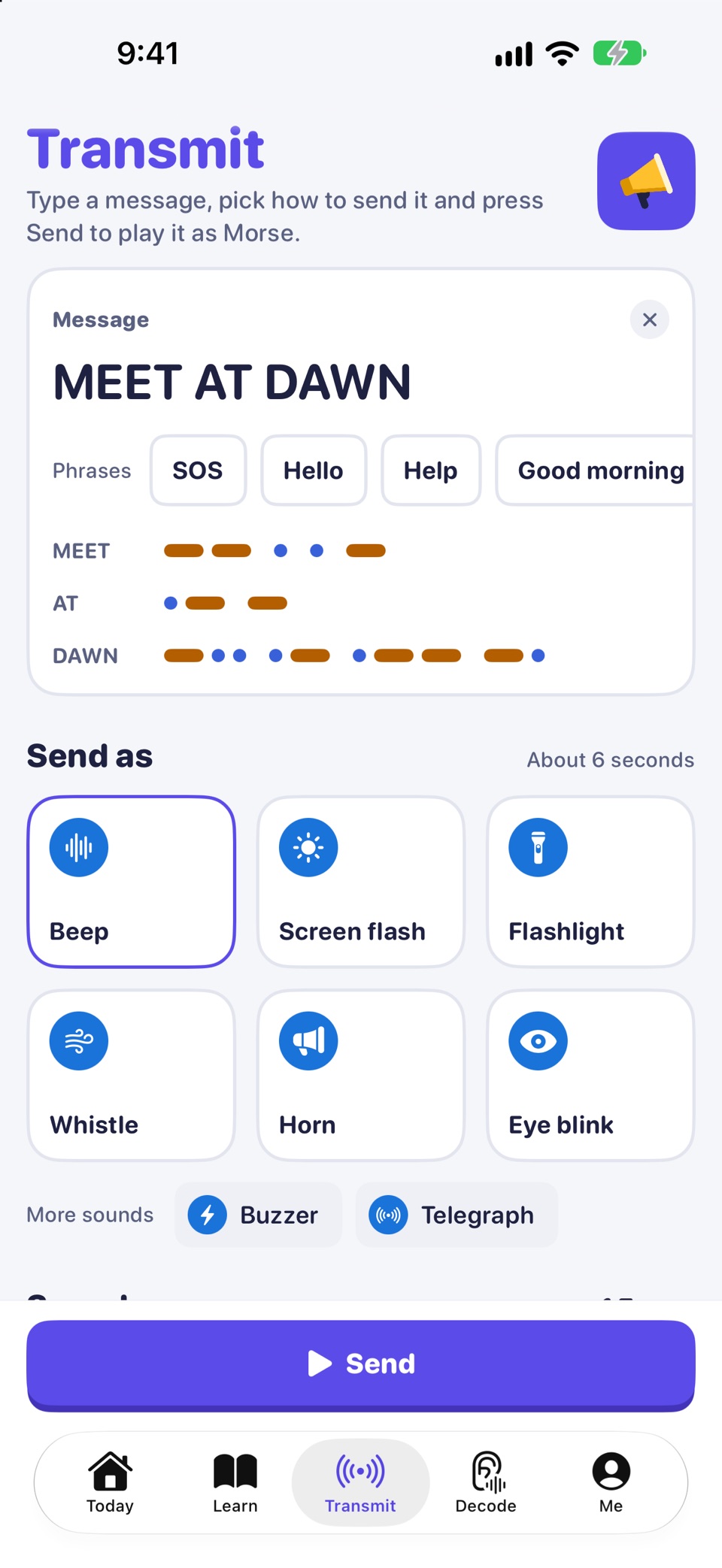
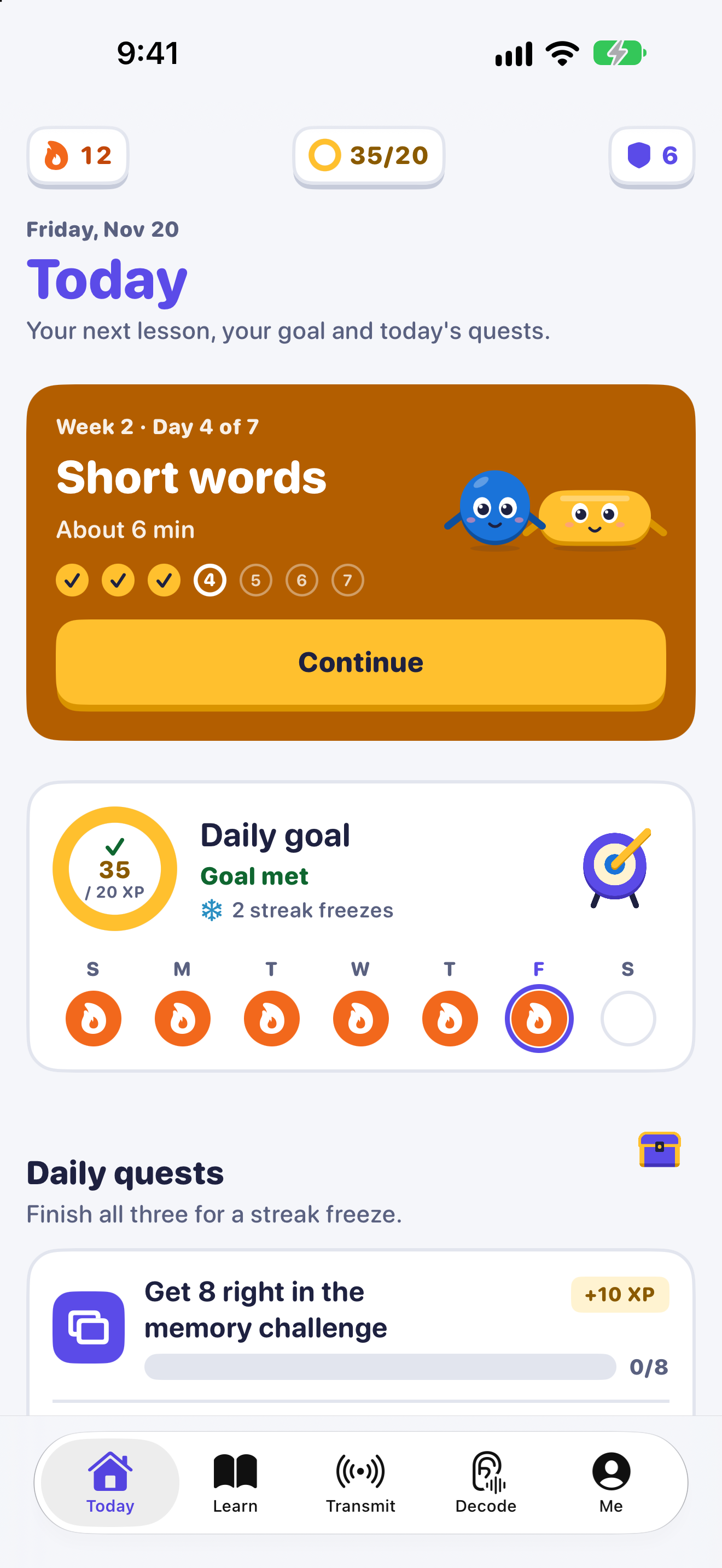
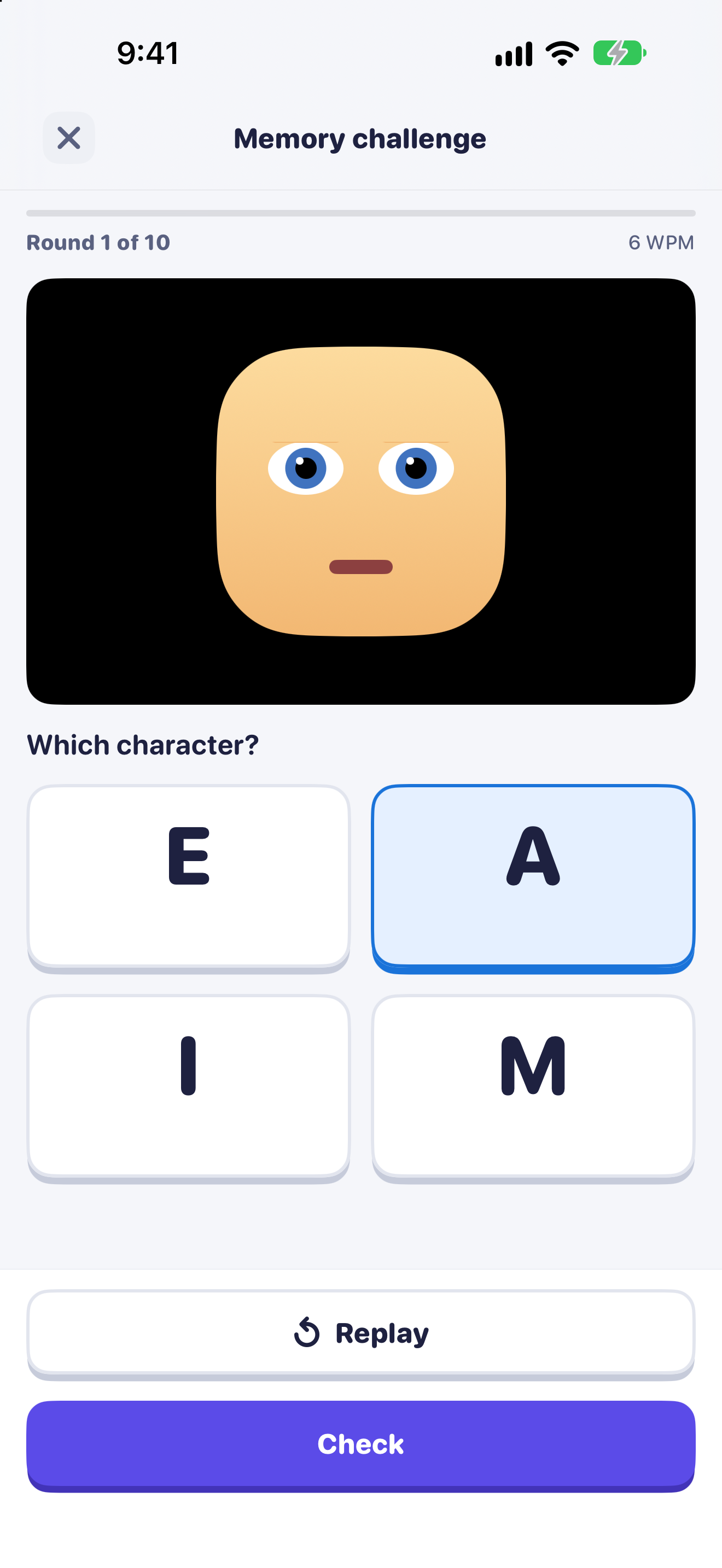
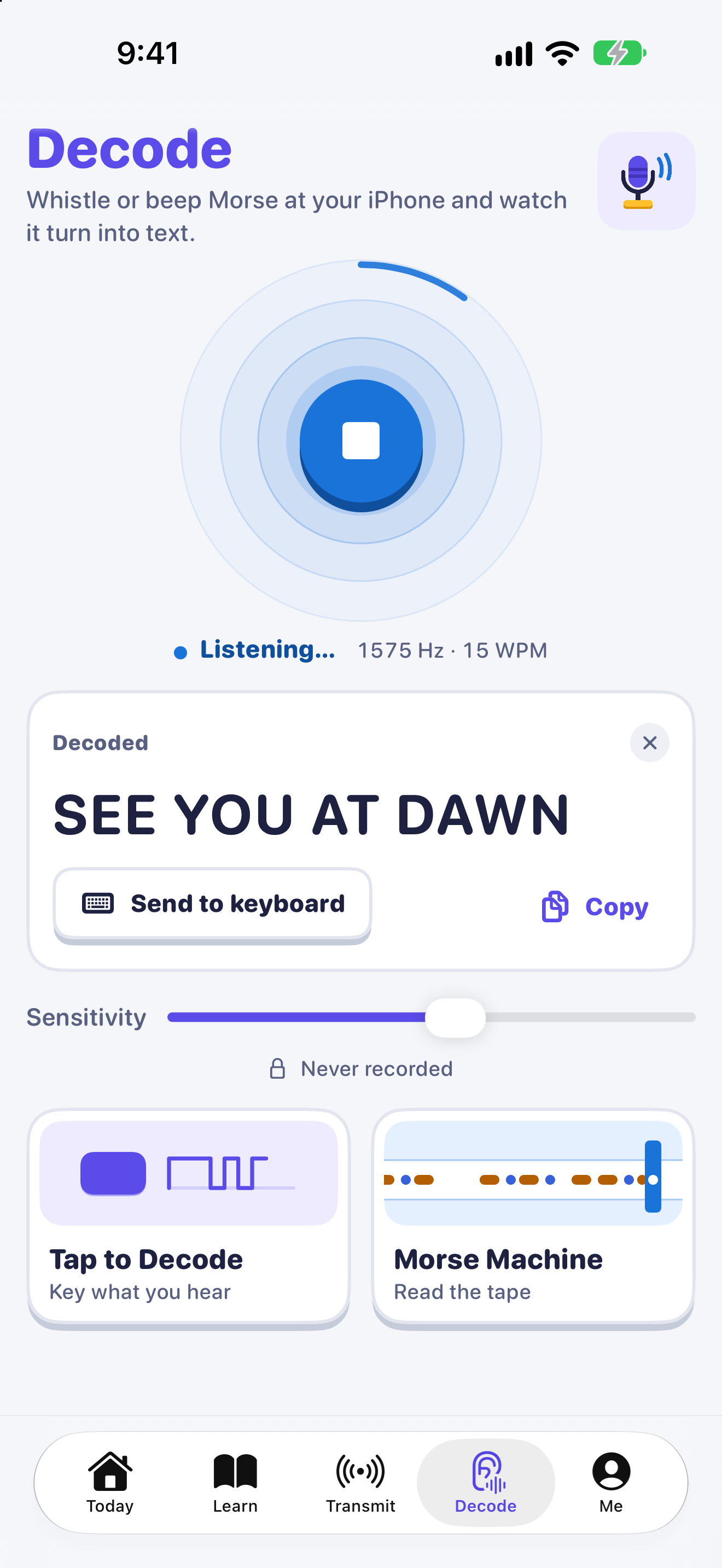
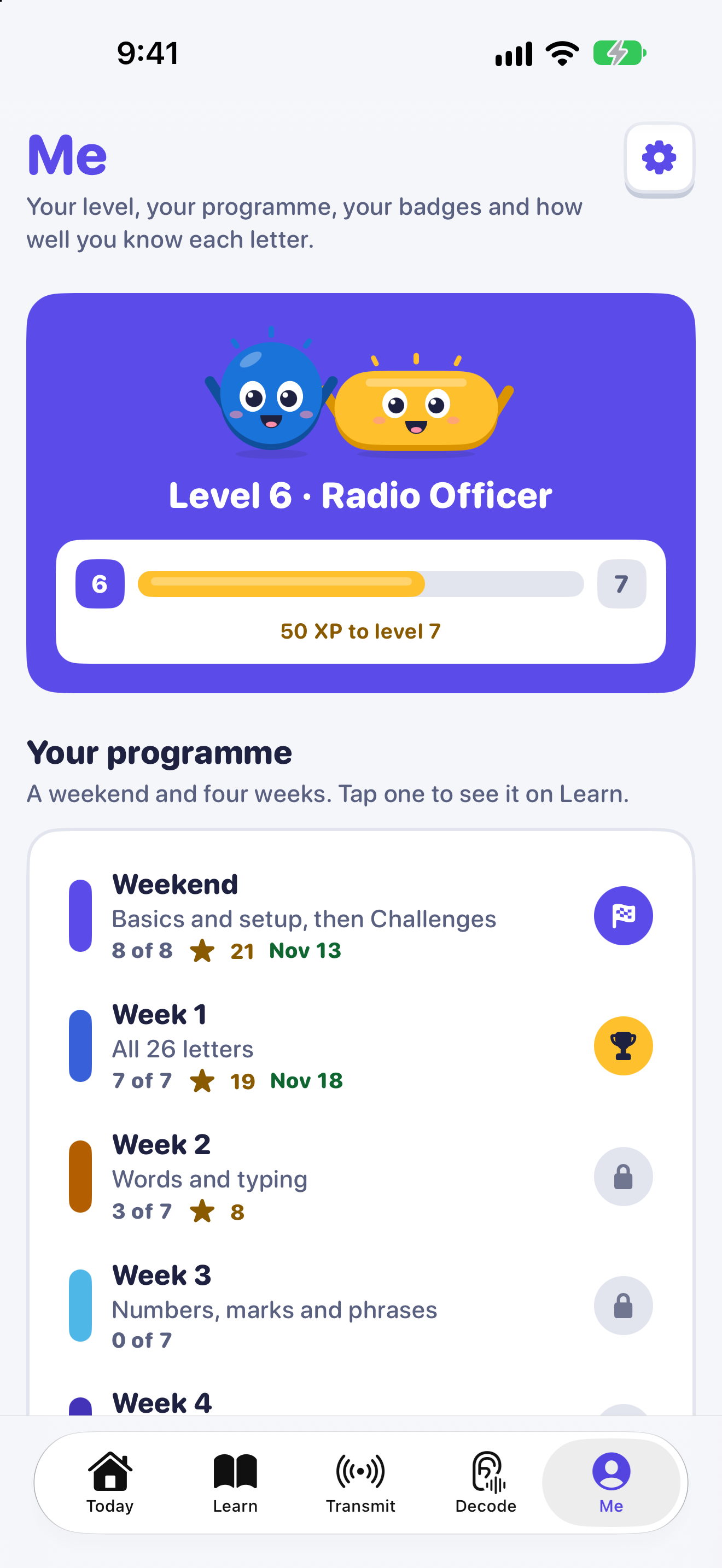
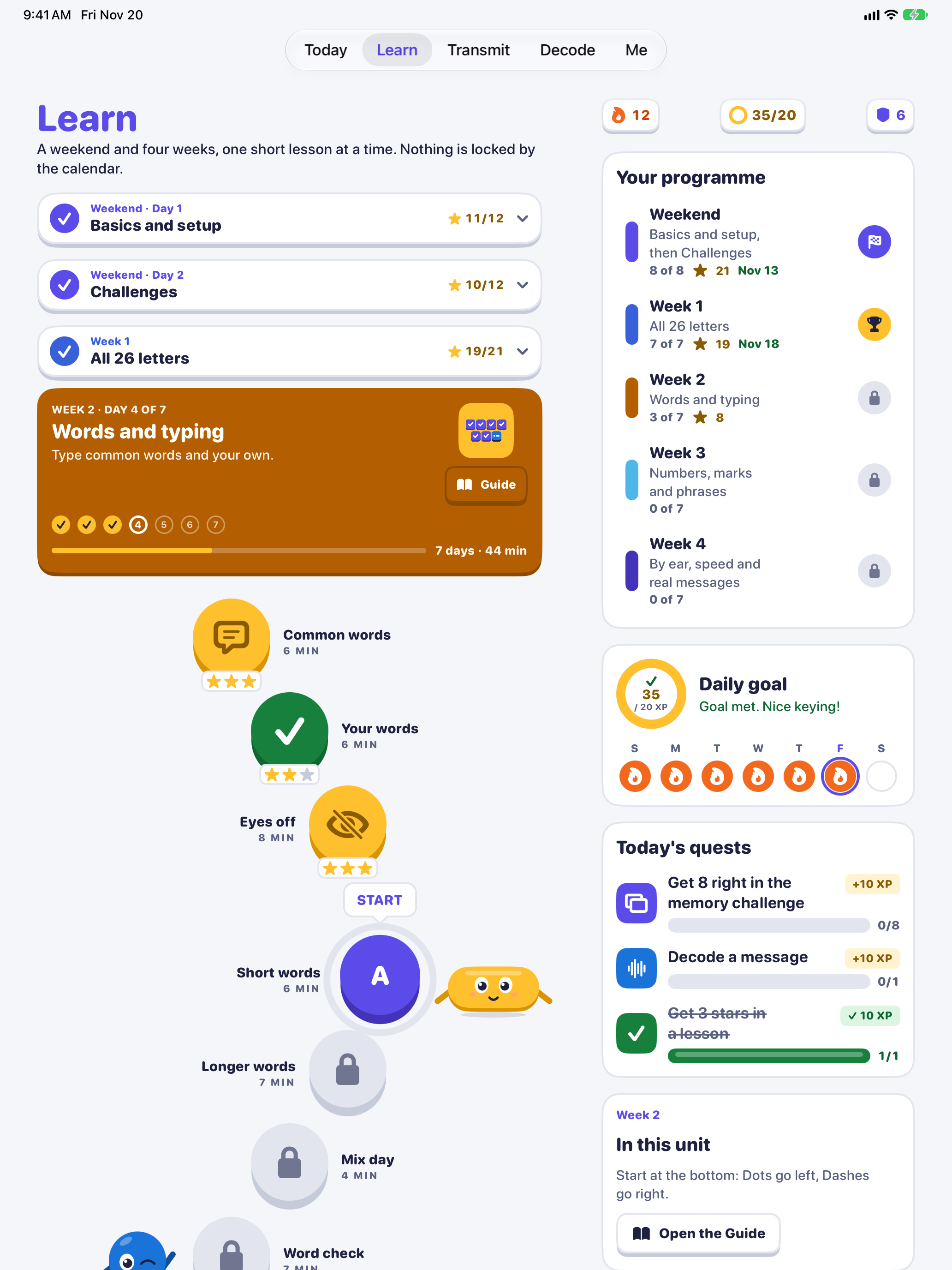
Morse Keyboard is an iPhone and iPad app by Yarsa Labs that teaches Morse code through everyday typing. Its keyboard is laid out as the Morse code tree: Dot climbs left, Dash climbs right, and every letter sits where its marks lead. It works in Messages, Mail and other apps. A course of a weekend and four weeks covers letters, words, numbers, punctuation and listening by ear, in short daily sessions. Decode turns whistles and beeps into text on the device. The app has no accounts, ads, analytics or network code. Day 1 is free. Pro is a one-time purchase.
Checked against the app
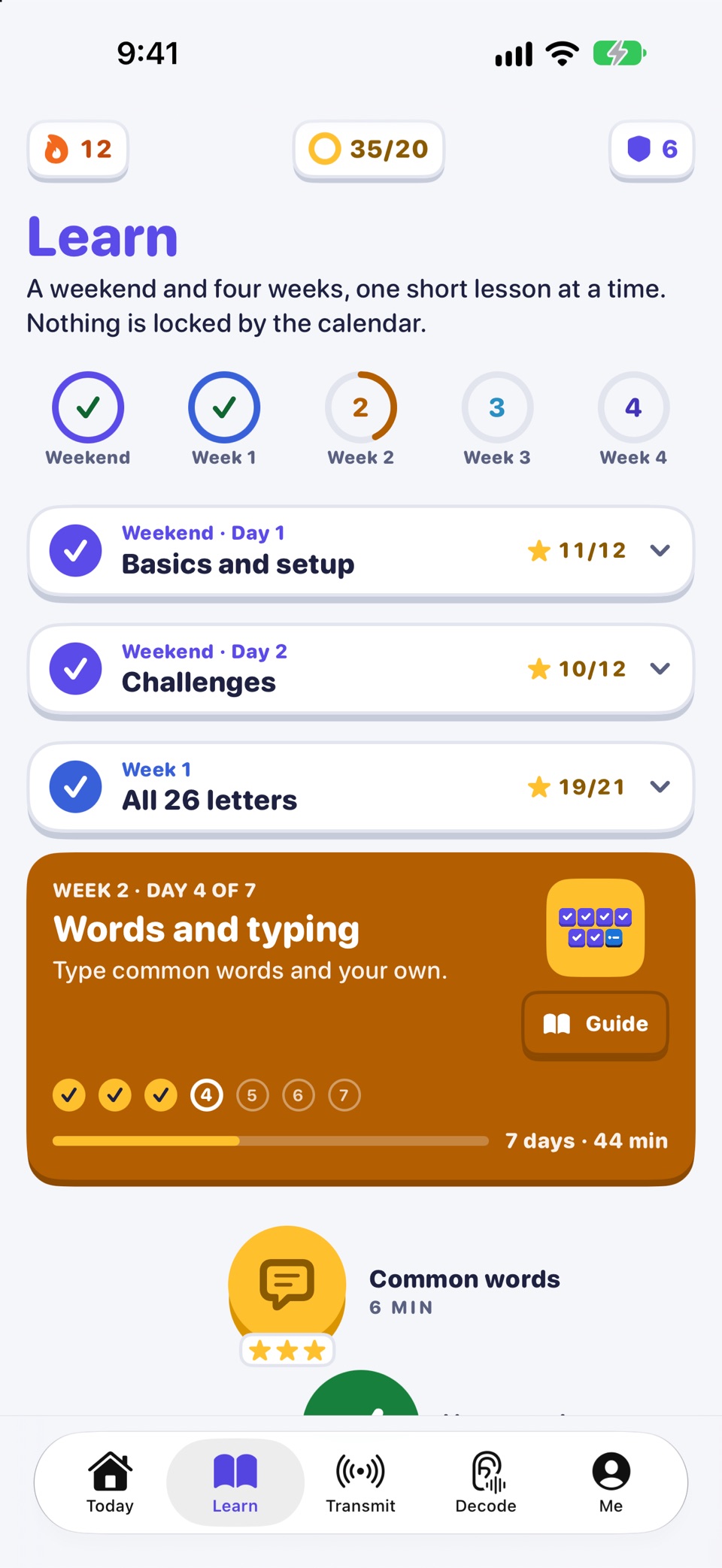
What is in the app today. Prices vary by country and are shown in the App Store, so this kit lists none.
| Name | Morse Keyboard |
|---|---|
| App Store name | Morse Code Keyboard: Learn CW |
| Maker | Yarsa Labs Private Limited, Pokhara, Nepal |
| Platforms | iPhone and iPad |
| Requires | iOS 17 or later |
| App Store categories | Utilities (primary), Education (secondary) |
| Language | English (International Morse code, A to Z) |
| Price model | Free to download, with a one-time Pro purchase. No subscription. Keyboard themes sold separately. |
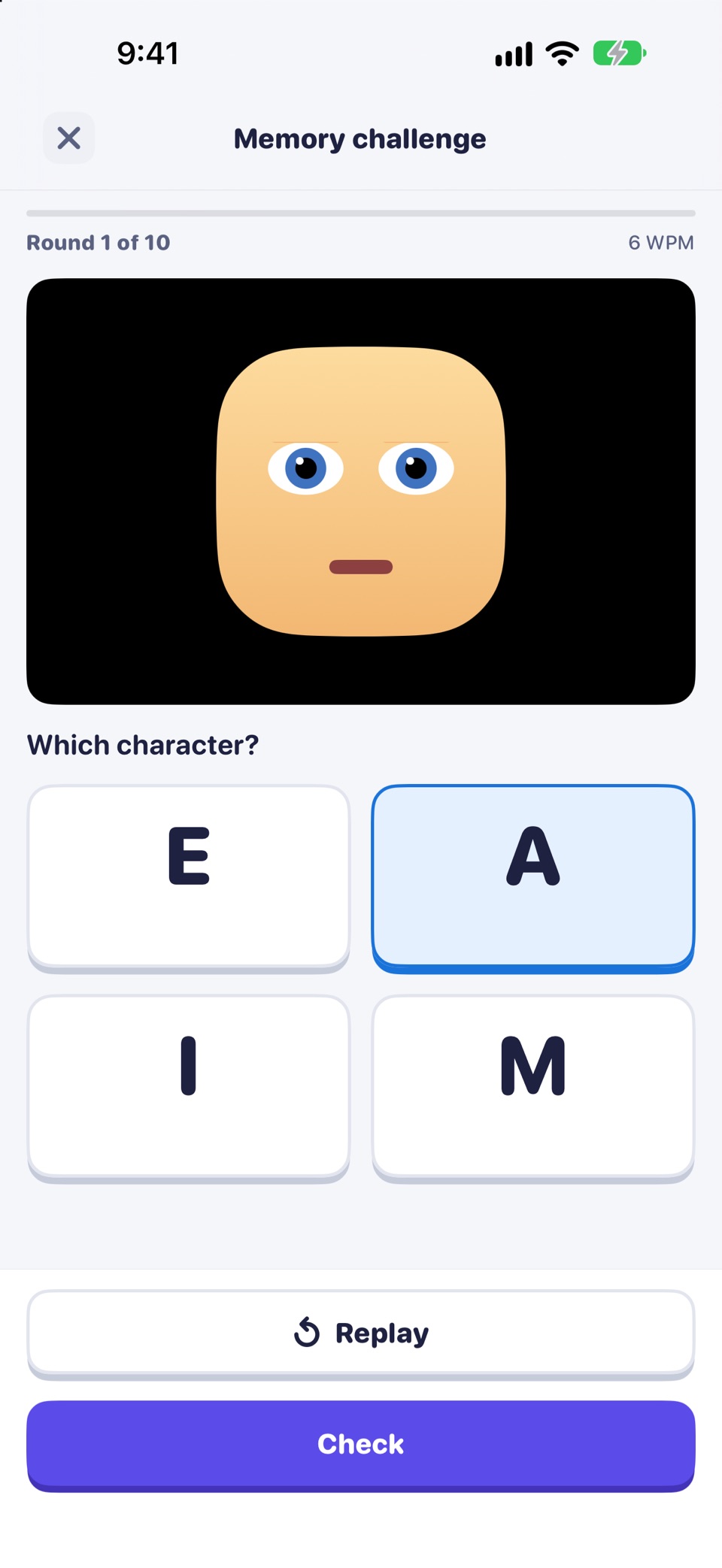
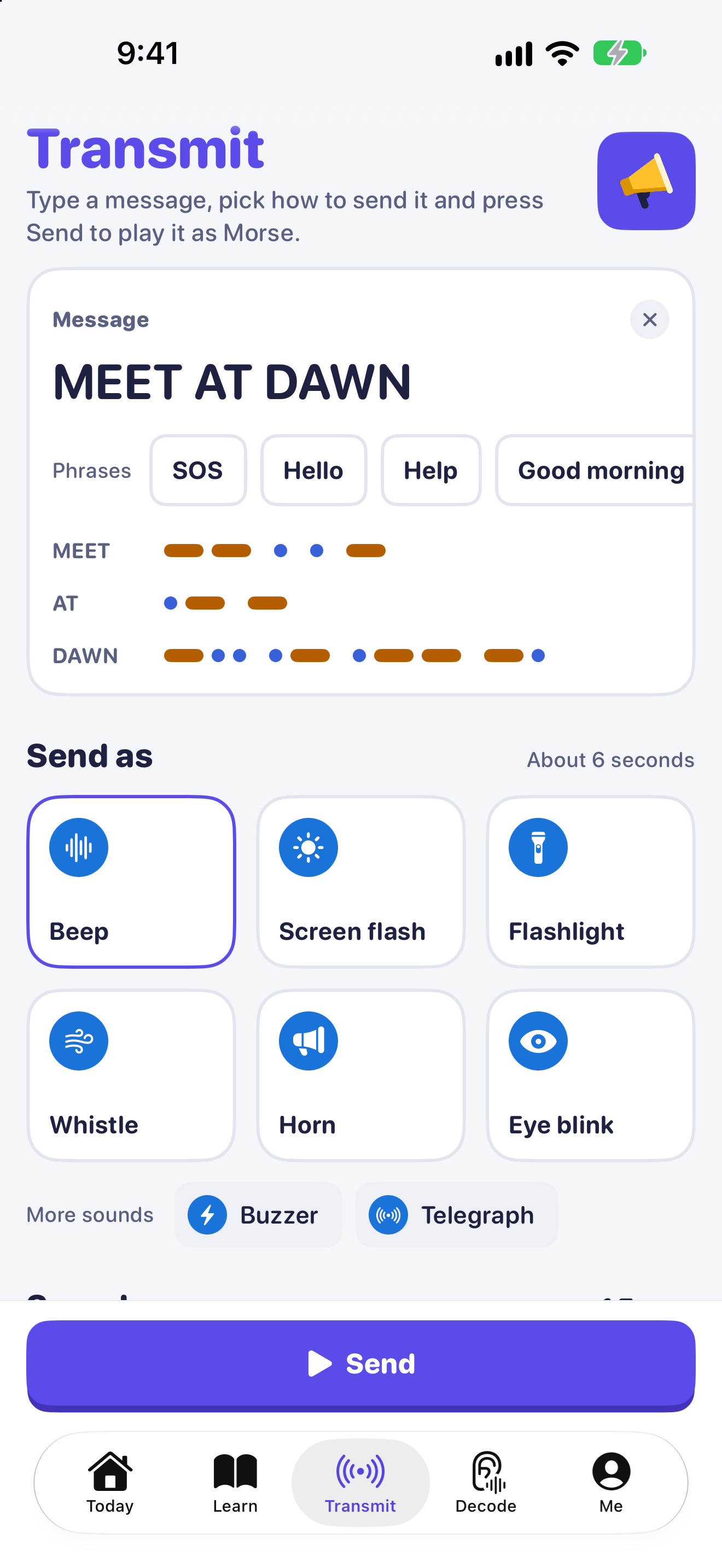
| Free | The whole keyboard, Day 1 of the course, daily practice with known letters, the first memory-challenge stage, Transmit (beeps, screen flash), Decode, charts |
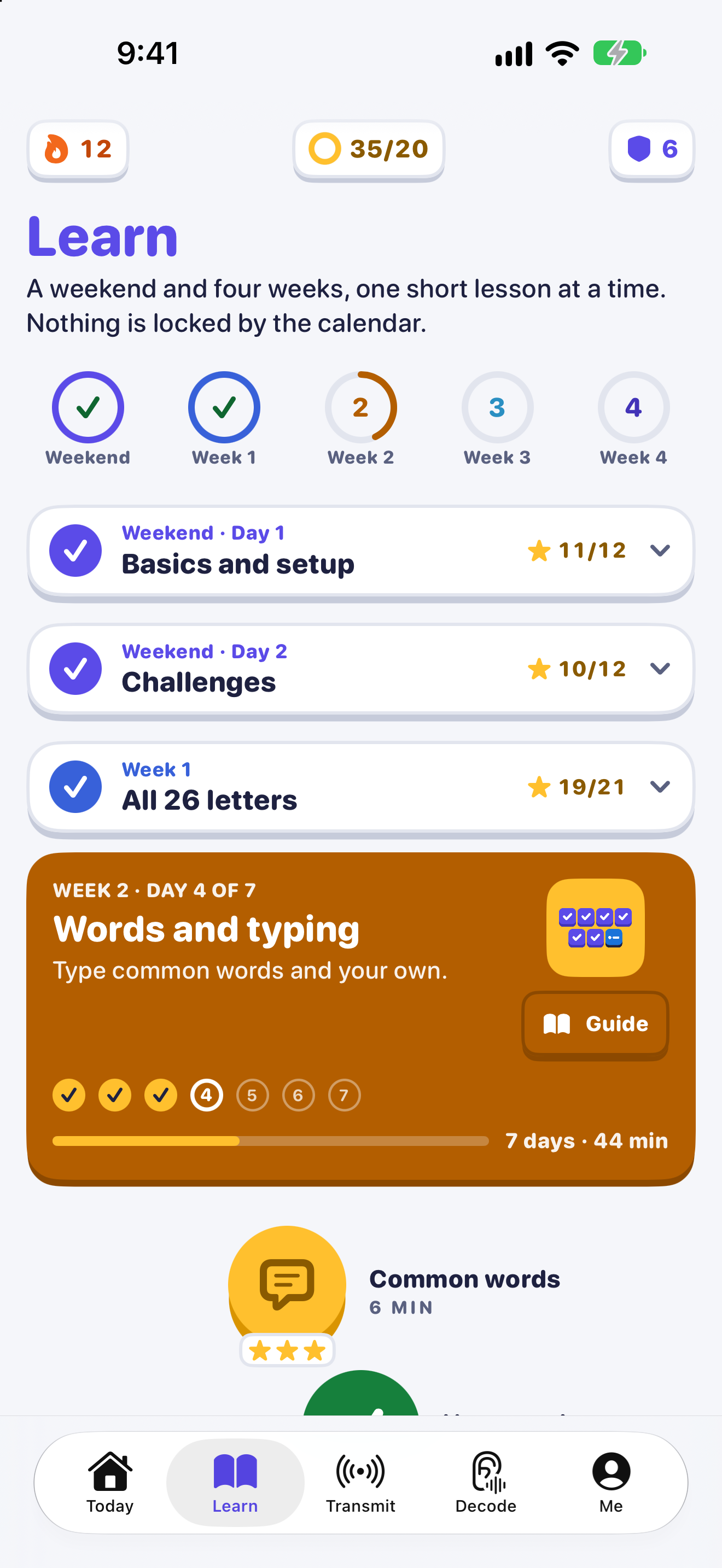
| Course | A weekend and four weeks: Day 1, Day 2, Weeks 1 to 4 |
| Privacy | No accounts, ads, analytics or network code. The keyboard works without Full Access. |
| Status | Coming soon to the App Store |
| Website | https://morsekeyboard.com/ |
| Press contact | support@morsekeyboard.com |
Icon and characters
Dot (a round blue Dot) and Dash (a long gold Dash) are the app's two mascots: the two Morse marks with faces.
1024 by 1024. Vector SVG, or a PNG.
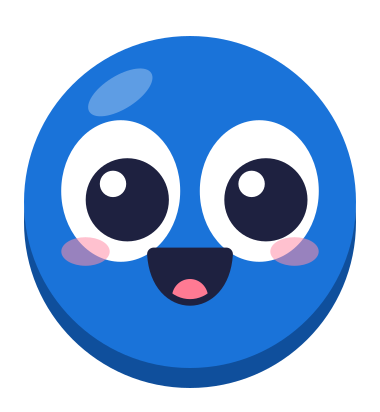
Vector SVG. Dot stands on the left, facing Dash.
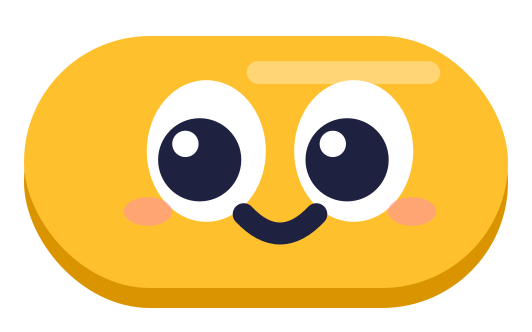
Vector SVG. Dash stands on the right, facing Dot.
Colors and type
The app's colors, for layouts that sit beside the screenshots. Headings in the app use SF Pro Rounded at heavy weights.
| Name | Hex |
|---|---|
| Signal Violet | #5B4BE8 |
| Gold | #FFC02E |
| Info blue | #1A73D9 |
| Ink | #1E2140 |
| Page | #F5F6FA |
| Cream | #FFF3D1 |
Press contact
Email us and a person at Yarsa Labs will reply. Tell us your publication and your deadline.
Day 1 of the course and the whole keyboard are free. For iPhone and iPad.