The comparisons
- Morse code apps for iPhone, compared: 17 apps in one capability matrix, with prices, privacy labels and picks by need.
- Gboard Morse code on iPhone: what Google documents about Gboard's Morse layout, and other Morse keyboards for iOS.
- Morse Mania and Morse Keyboard: a level-by-level trainer next to an all-in-one app.
- Morse-It and Morse Keyboard: a Morse toolbox next to a learning app with a keyboard.
Morse Keyboard in numbers
Every number here is counted in the app's source code.
| Feature | Morse Keyboard |
|---|---|
| Keyboard layouts | 3: the Morse code tree, QWERTY with Dot and Dash paddles, and Blindsight. All free |
| Course | 36 lessons in 6 units: a weekend (Day 1 free), then four weeks |
| Practice | Daily mix, typing sprint, and a memory challenge with 3 signals and 3 stages |
| Daily habit | A daily goal at 3 levels, streaks with streak freezes, 3 daily quests, 30 badges |
| Decode | 3 ways, all free: microphone, Tap to Decode, Morse Machine |
| Transmit | 8 outputs: 5 sounds and 3 kinds of light. Beep and screen flash are free |
| Settings | 18 you set once, including 5 tones, 5–40 WPM, per-tone pitch and volume |
| Keyboard themes | 10, plus the free Classic look in Auto, Light or Dark |
| Characters | 60: 26 letters, 10 digits, 18 punctuation marks, 6 extra letters |
| Account, ads, analytics, network code | None |
Where Morse Keyboard is stronger
Each point holds as of November 2026, among the apps we found in the US App Store:
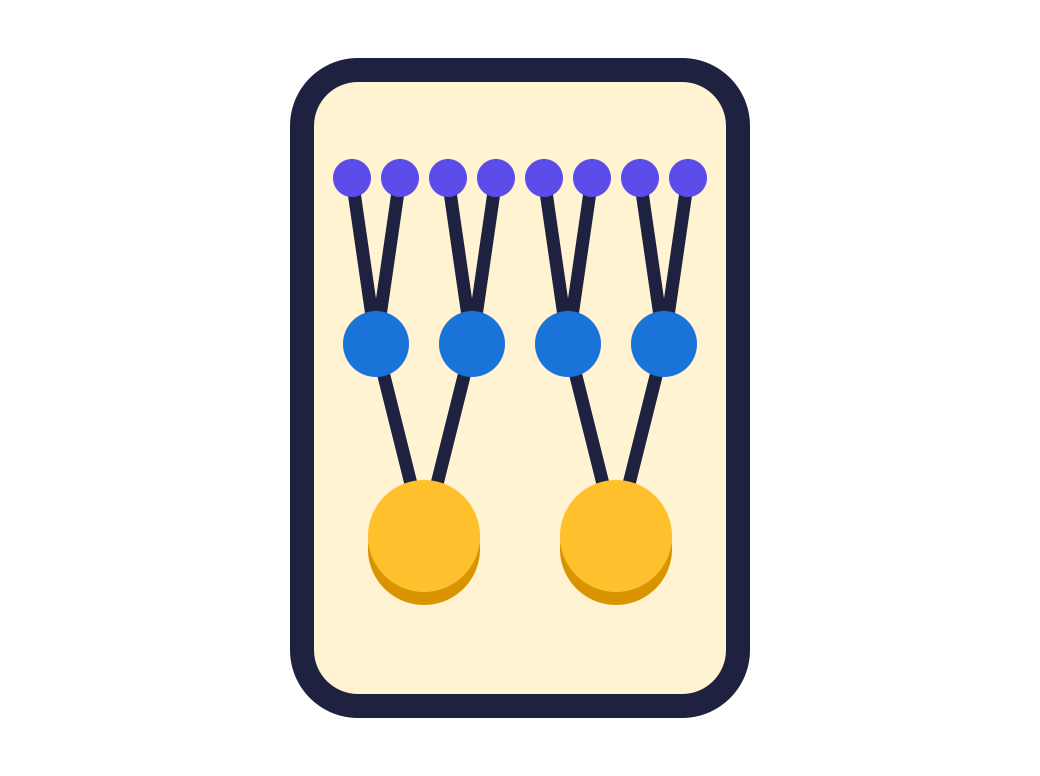
- The only Morse keyboard for iPhone we found laid out as the Morse code tree. None of the other Morse keyboards we found describes a tree layout.
- The keyboard can sound your Morse in five tones at your speed, pitch and volume, with haptics (Pro, with Full Access). No other Morse keyboard listing we found offers a choice of tones.
- One app, one-time purchases only, nothing collected. We found no other iPhone app that combines a Morse system keyboard, a structured course, microphone decoding and light-and-sound transmit, sells only one-time purchases (no subscription option) and collects no data. MorseLux comes closest: it has all four and collects no data, but sells Pro as a subscription or a lifetime unlock.
- The most keyboard settings we found: 3 layouts, 10 themes and 3 Classic looks, 5 tones, pitch, volume, haptics, key pop-ups, a code strip, word suggestions and extra letters.
- Eye blinks as a way to send and as a memory-challenge signal.
- Light signals kept safe: three flashes a second at most, following Dim Flashing Lights and Reduce Motion. No other listing we read mentions this.
- Privacy: no account, no ads, no analytics, no network code, and a keyboard that types without Full Access.
Where other apps are stronger
- Ratings and track record. Morse Keyboard is not released yet.
- Koch training: Morse Master, Morse Code AI, MorseKit, Kevin Tang's trainer and Morse-It (paid) list it. Morse Keyboard's course follows the tree, with fixed Farnsworth timing.
- Depth for ham radio: Morse Code Complete (200+ lessons, up to 60 WPM) and Morse Mania (270 levels, prosigns, Q-codes and callsigns).
- Keying styles: straight-key and iambic keyboards such as Simple Morse Code Keyboard, and iambic sending in Morse Mania and Morse-It.
- Camera decoding, vibration, audio export, Apple Watch and widgets, which Morse Keyboard does not have.
- Other alphabets: Simple Morse Code Keyboard lists 11, Morse Code AI 37 Morse tables. Morse Keyboard is English and Latin letters only.
How we check
Competitor facts come from each app's App Store listing, in-app purchase list and privacy label in the US store, read on 22 November 2026, or from the official site for web tools. We re-check them every quarter. A feature a listing does not mention is "not listed", never "no". If something here is wrong, email support@morsekeyboard.com.
Morse Keyboard: a keyboard laid out as the Morse code tree, with a course of a weekend and four weeks. Day 1 is free. For iPhone and iPad.